14 Diagnosis
14.3
14.
190
GC-2010 Plus
14.3Analysis Counter
Use the analysis counter to set the replacement timing of the septum, and the glass insert, when
the counter exeeds the limit, an error message is displayed.
14.3.1 Screen description
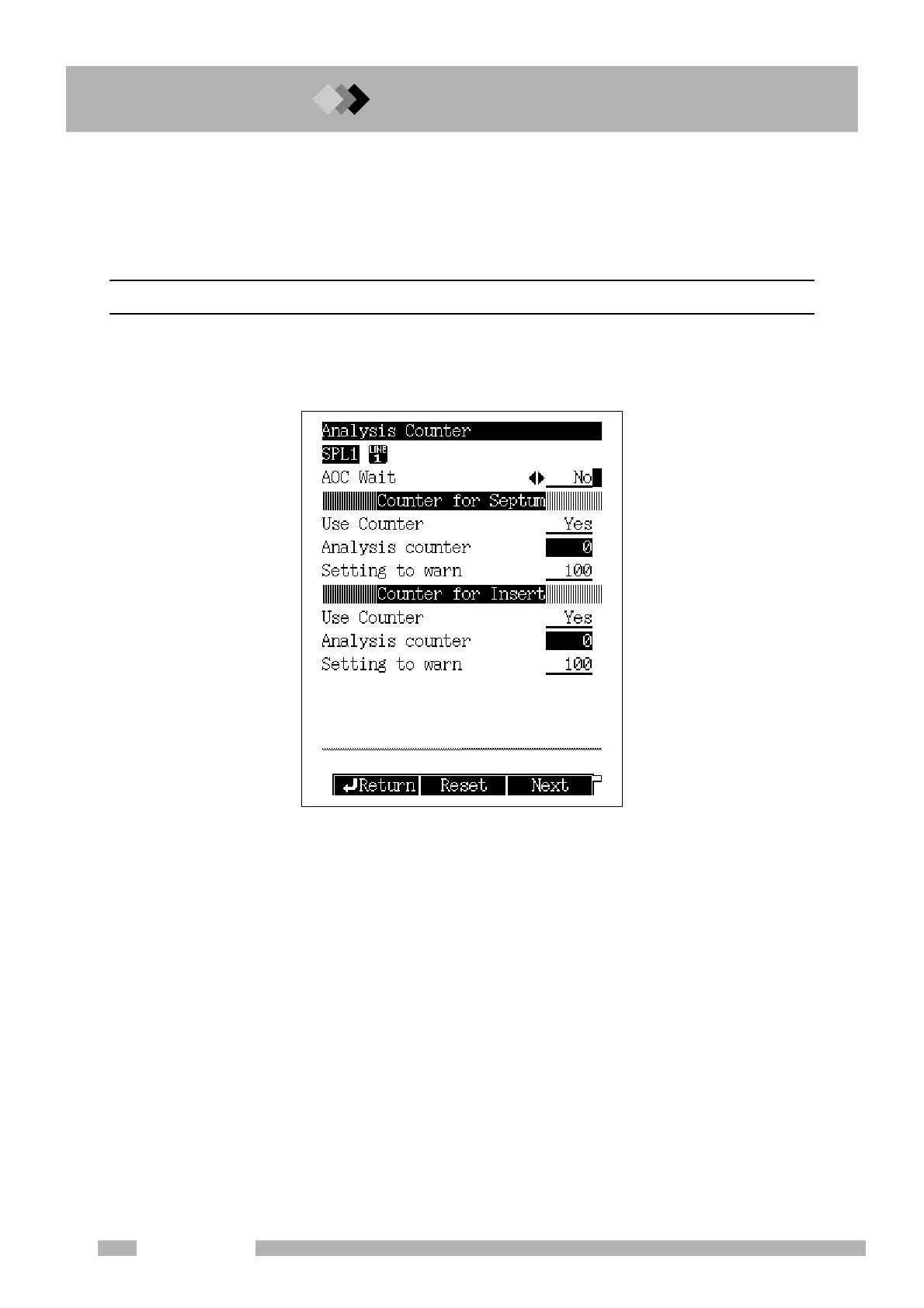
Select “3. ANALYSIS COUNTER” from the [DIAG] key main screen to display the screen
shown in Fig. 14.3.1.
Fig. 14.3.1 Analysis counter screen



 To Next Page
 Loading...






