16 Special Functions
16.3
16.
230
GC-2010 Plus
16.3Time Program
Use a time program to execute zero point adjustment and relay control during analysis.
16.3.1 Screen description
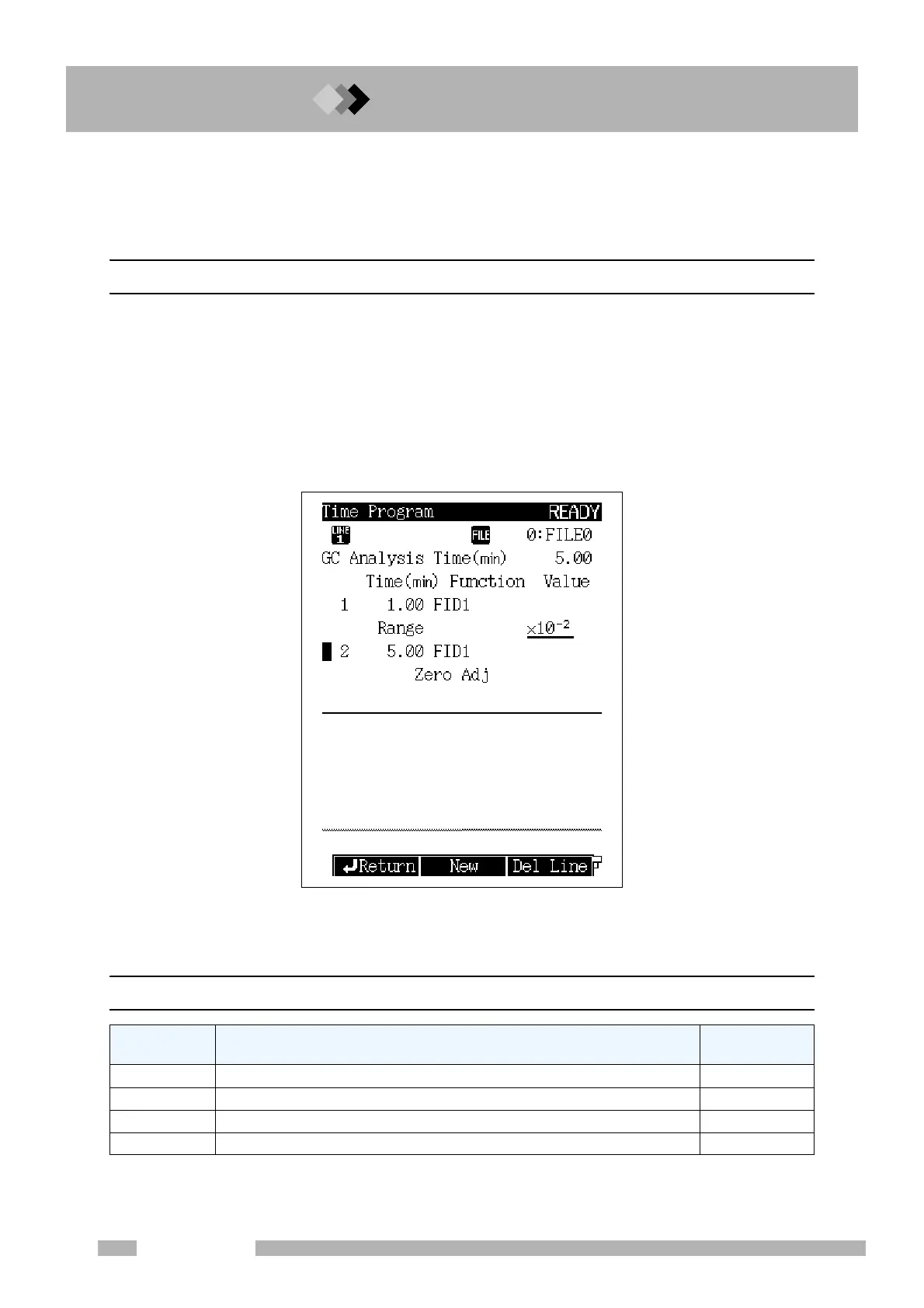
Select “3. TIME PROGRAM” from the [FUNC] key screen to display the time program
screen shown in Fig. 16.3.1.
A time program starts as soon as analysis starts.
Time programs do not need to be set up in order. After you finish editing time programs, they
are automatically sorted.
More than one step can be set for the same time. The specified actions are executed at the
same time.
16.3.2 PF menu
Fig. 16.3.1 Time program main screen
PF menu Description
Reference
section
New Creates a new time program. 16.3.3
Del Line Deletes the time program line at the current cursor position.
――
Chng Line Moves the cursor to the next line.
――
Print Prints the program to the Chromatopac.
――



 To Next Page
 Loading...






