15 Optional Devices
15.3 Setting the AUX APC Parameters
209
GC-2010 Plus
15.3.4 Setting a program
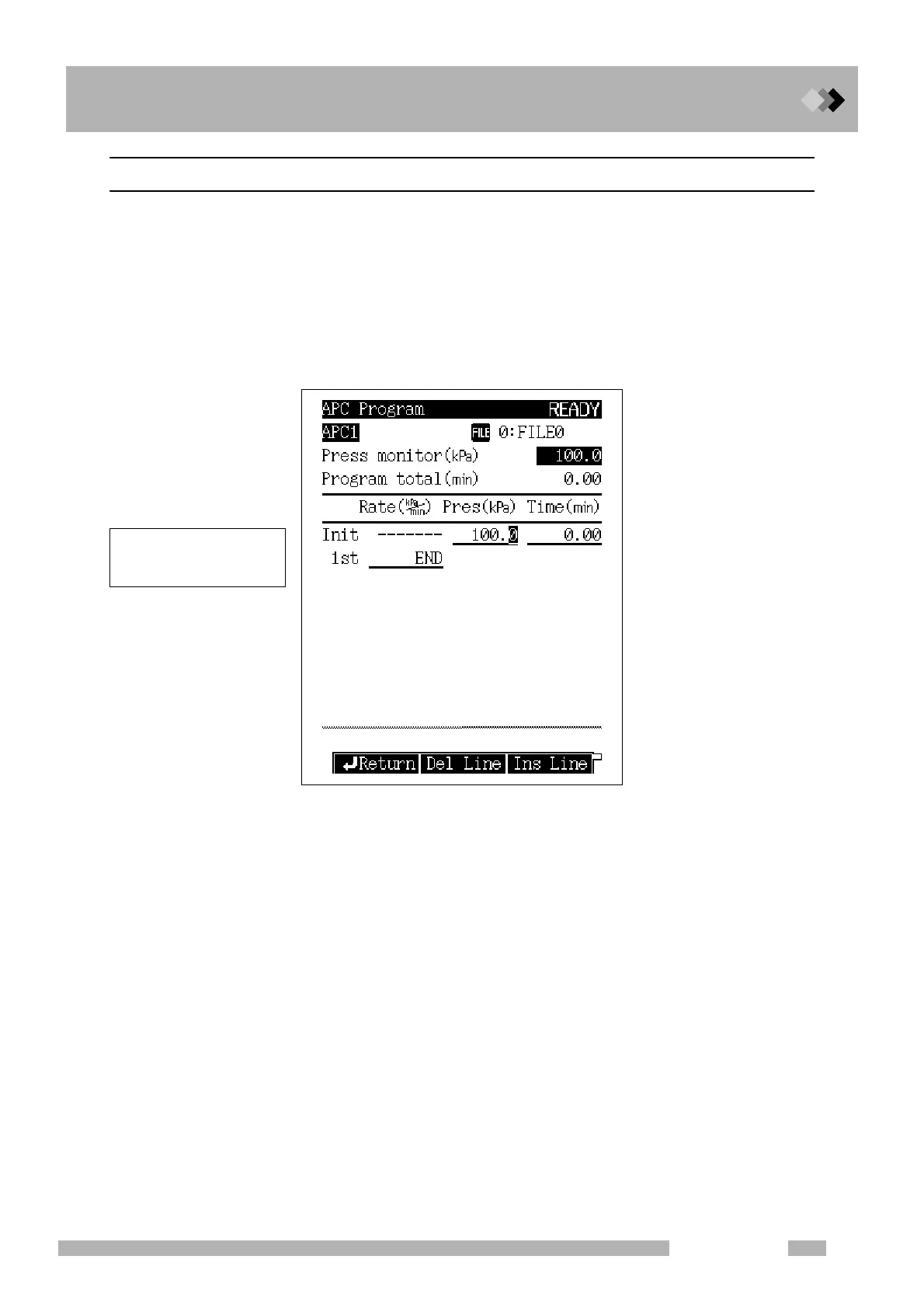
A pressure of flow rate program can also be created for the AUX APC. Set the control mode
to “Pressure” on the AUX APC main screen, select the desired APC, and then press [Pro-
gram] (PF menu). The APC program screen, shown in Fig .15.3.2, opens.
Similarly, a flow rate program can be creaded by selecting “FLOW” mode and pressing [Pro-
gram] (PF menu). This opens the flow rate program screen.
For the program setting procedure, refer to “12.5.5 Pressure program” and “12.5.6 Creating
a Flow rate program”.
Fig. 15.3.2 APC pressure program setup
A program can contain up to
7 ramps of pressure or flow
rate increase/decrease.



 To Next Page
 Loading...






