16 Special Functions
16.6 GC Configuration
243
GC-2010 Plus
16.6.5 Setting transmission parameters
16.6.5.1 Screen description
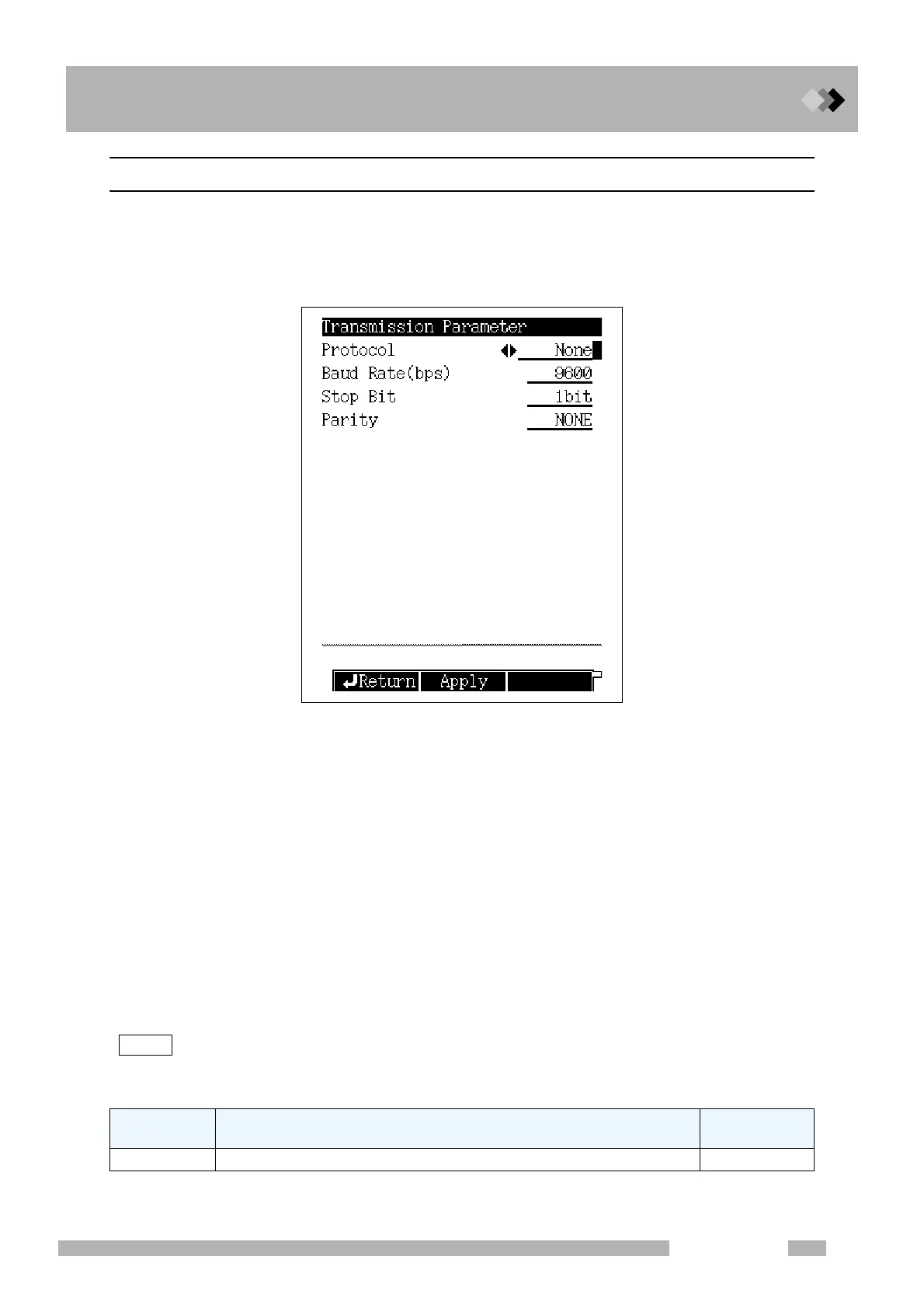
Select “6. GC CONFIGURATION” from the [FUNC] key screen, and then select “3.
TRANSMISSION PARAMETER”, to display the Transmission Parameter screen shown
in Fig.16.6.4.
16.6.5.2 Parameter list
PROTOCOL
Selection: None/LEVEL1/LEVEL2/LEVEL3, Default: LEVEL2
BAUD RATE
Selection: 2400/4800/9600/19200/38400/57600/115200 bps, Default: 9600 bps
Set the communication speed.
STOP BIT
Selection: 1 bit/ 2 bit, Default: 1 bit
PARITY
Selection: NONE/EVEN/ODD, Default: NONE
“STOP BIT” and “PARITY” can be set when “PROTOCOL” is set to “None” or “LEVEL1”
or “LEVEL2”.
Set to “EVEN” in case of connecting a Chromatopac.
NOTE Refer to “2.7 Connecting external device cables”.
16.6.5.3 PF menu
Fig. 16.6.4 Transmission parameter setup screen
PF menu Description
Reference
section
Apply Down loads the parameters immediately.
――



 To Next Page
 Loading...






