14 Diagnosis
14.2
14.
183
GC-2010 Plus
14.2Log Reading Menu
14.2.1 Screen description
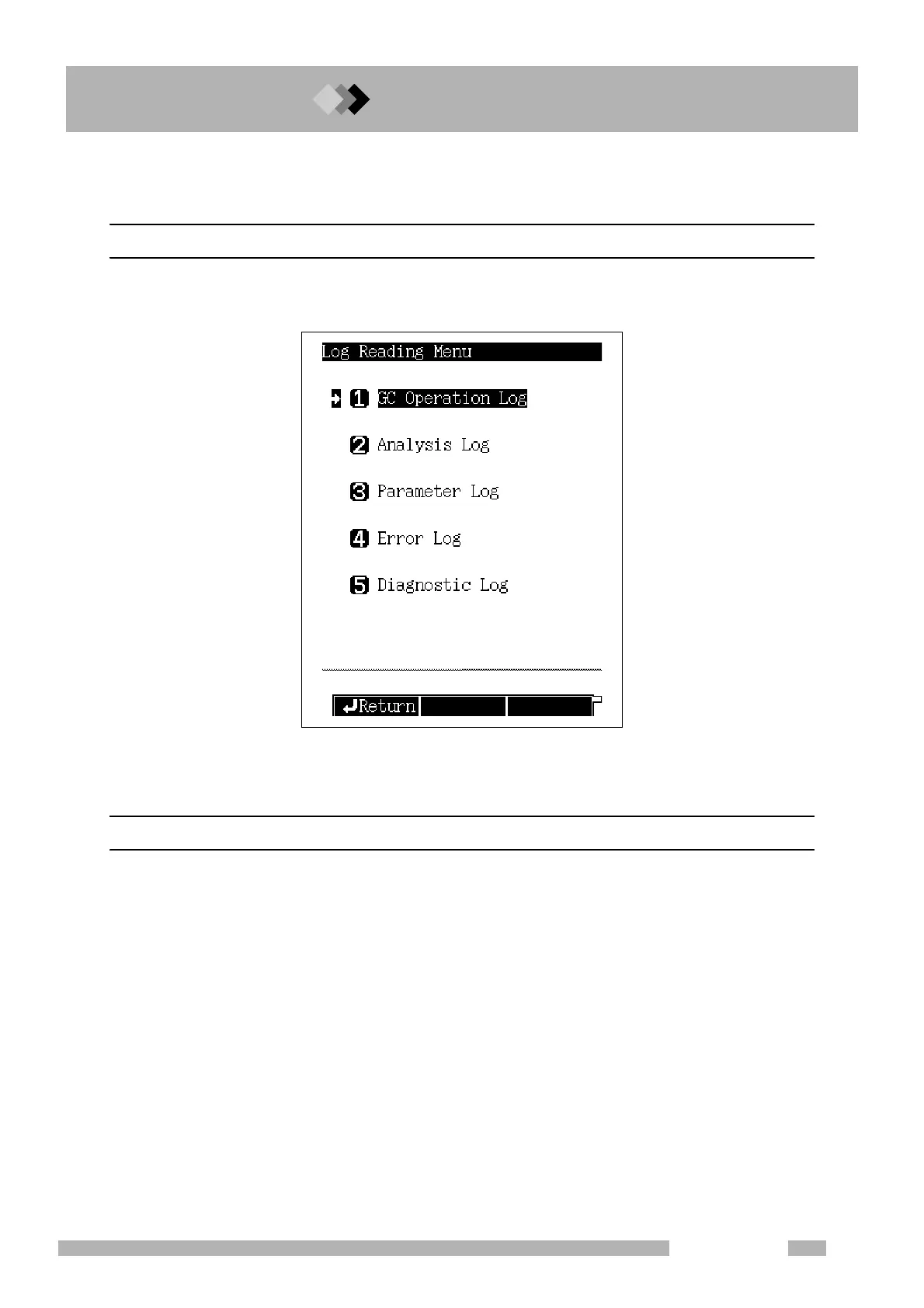
Select “2. LOG READING MENU” from the [DIAG] key main screen to display the Log Read-
ing Menu screen shown in Fig. 14.2.1.
14.2.2 Parameter list
GC OPERATION LOG
Displays the power On/Off log and the system On/Off log.
ANALYSIS LOG
Displays the analysis log. This log records whether analyses were finished and whether con-
trols deviated from their target valves.
PARAMETER LOG
Displays the key operation log and the parameter change log.
ERROR LOG
Displays the log of displayed error messages.
DIAGNOSTIC LOG
Displays the diagnosis log.
Fig. 14.2.1 Log reading menu main screen



 To Next Page
 Loading...






