Setup Menu
Pocket-3D Reference Guide
2-62
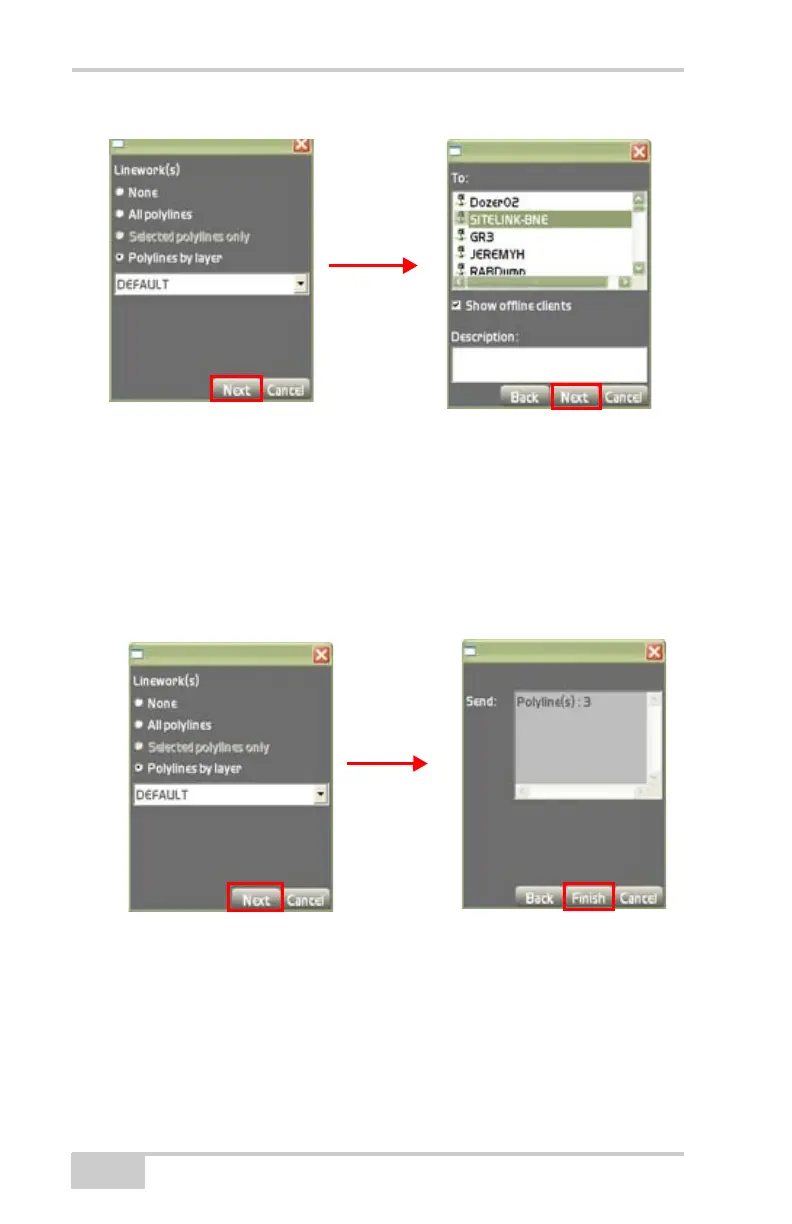
Figure 2-84. Importing Linework Files Via Site-Link
5. On the lineworks file dialog box (Figure 2-85), do the following
• Import into recipients current active project – check mark this
box to import surface files into your project.
• Overwrite surface w.same name – check mark this box to
overwrite duplicate filenames.
• Next – press to display the Send dialog box (Figure 2-85).
Figure 2-85. Import Alignment File into Current Project
6. On the Send dialog box, press Finish to save and return to the
Main Screen (
Figure 2-85).



 To Next Page