Stake-out
P/N 7010-0628
4-55
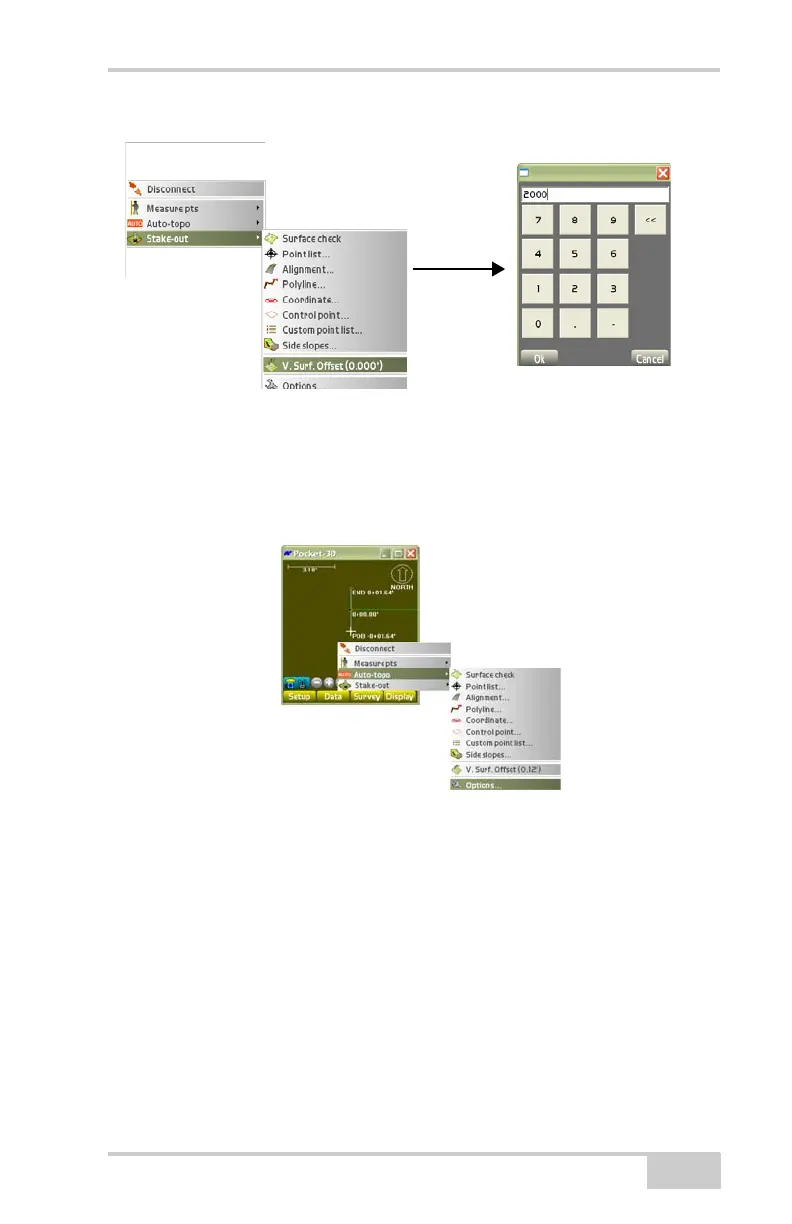
(Figure 4-82).
Figure 4-82. Vertical Surface Offset
Options
To view or change options for stake-out measurements, tap
Survey
Stake-outOptions (Figure 4-83).
Figure 4-83. SurveyStake-outOptions
On the stakeout options dialog box, select the desired options for
stakeout measurements, cut sheet, and audio, then press Ok
(
Figure 4-84 on page 4-56).
Measure tab sets the way to measure/stake-out points and alignments
and the information to display on the main screen during a
measurement/stake-out.
• Press ENTER to measure – enable to use the Enter key (on the
controller’s casing, below the display screen) to start the
measurement on each stakeout point or alignment.



 To Next Page