Measure Points
P/N 7010-0628
4-13
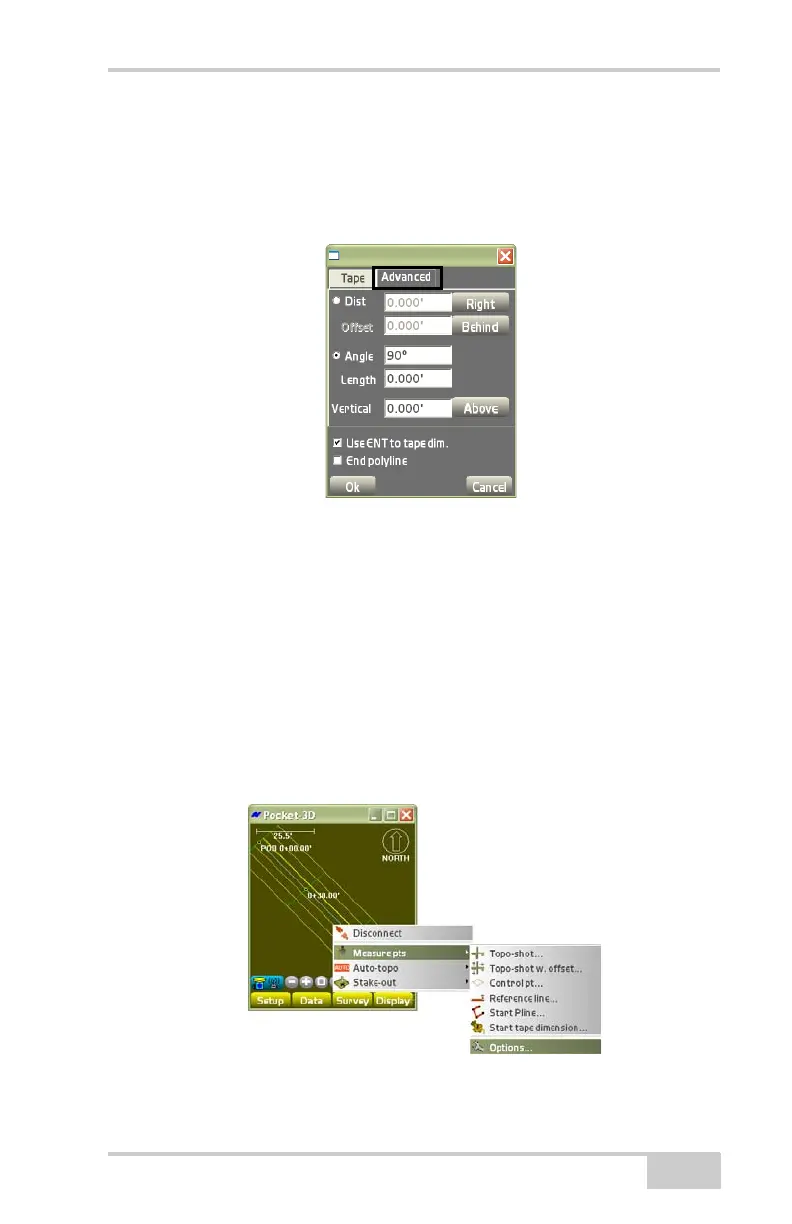
• Use ENT to tape dim. – enable the ENTER key (on the
controller’s casing below the display screen) to start the
measurement on each taped dimension.
• End polyline – enable to end the polyline.
Figure 4-20. Advanced Tab
Stop Tape Dimension
To stop the tape dimension, tap SurveyMeasure ptsStop tape
dimension.
Options
To view or change options for topo-shot or control point
measurements, tap Survey
Measure ptsOptions (Figure 4-21).
Figure 4-21. SurveyMeasure ptsOptions



 To Next Page