Total Station Survey Applications
P/N 7010-0628
4-61
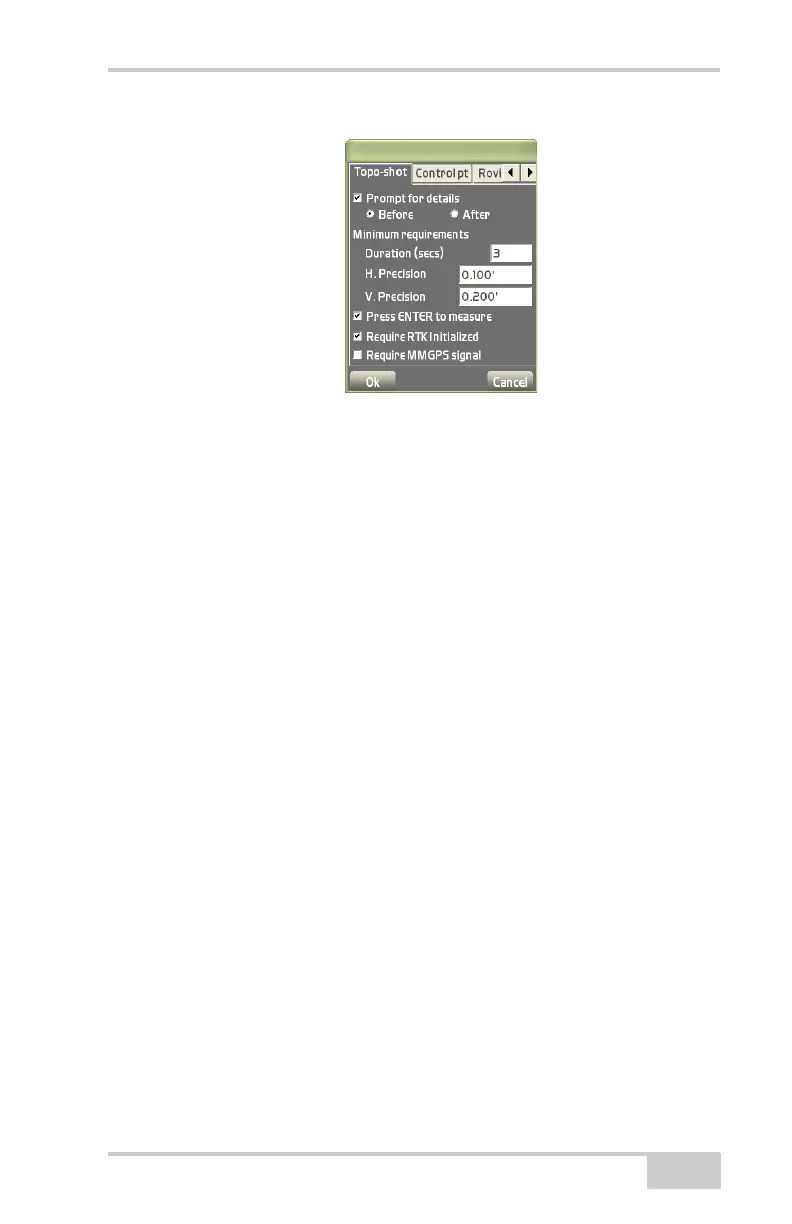
Figure 4-89. Measure Point Options
Stake-out
Used in total station applications to stake-out points using different
methods. The following section notes only the differences in these
menus for total station applications.
For further details on the Stake-out menu options and setup screens,
see
“Stake-out” on page 4-22.
Options
To view or change options for stake-out measurements, tap
Survey
Stake-outOptions.
On the stakeout options dialog box, select the desired options for
stakeout measurements and audio, then press Ok (
Figure 4-90 on
page 4-63).
The Measure tab sets the way to measure/stake-out points and
alignments and the information to display on the main screen during a
measurement/stake-out.
• Press ENTER to measure – enable to use the Enter key (on the
controller’s casing, below the display screen) to start the
measurement on each stakeout or alignment.
• Enable Auto-Zooming – enable to zoom in so that the target point
and the current location of the rover will always be seen on the
screen. If the rover comes closer to the target point, Pocket-3D



 To Next Page