Calculation Wizard
P/N 7010-0628
3-85
Inverse Between Two Points
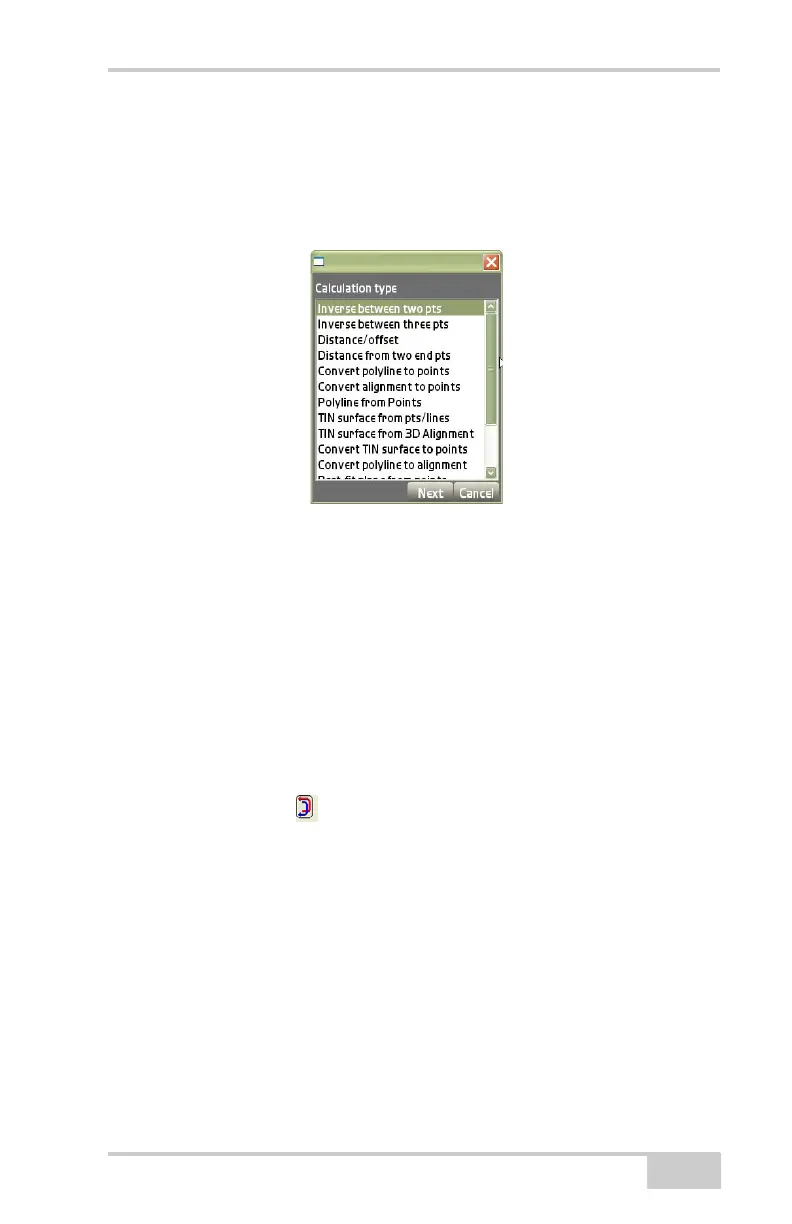
On the Calculation type dialog box, select Inverse between two pts to
calculate the inverse of the direction and distance between two points,
then press Next (
Figure 3-126).
Figure 3-126. Calculation Type – Inverse Between Two Points
The results dialog box (Figure 3-127 on page 3-86) displays the dis-
tance between selected points and the following calculation: Horizon-
tal Distance (Horiz. dist.), Slope Distance (Slope dist.), Azimuth,
Gradient, Delta X, Delta Y, and Delta Z.
• From Point – press to select the beginning point on the From/To
points selection dialog box.
• To Point – press to select the end point on the From/To points
selection dialog box.
• Inverse arrows – press to calculate the return (inverse)
between the selected points.
• Press Back to return to the Calculation type dialog box
(
Figure 3-126) or Cancel to return to the main view screen.



 To Next Page