Display Menu
Pocket-3D Reference Guide
5-8
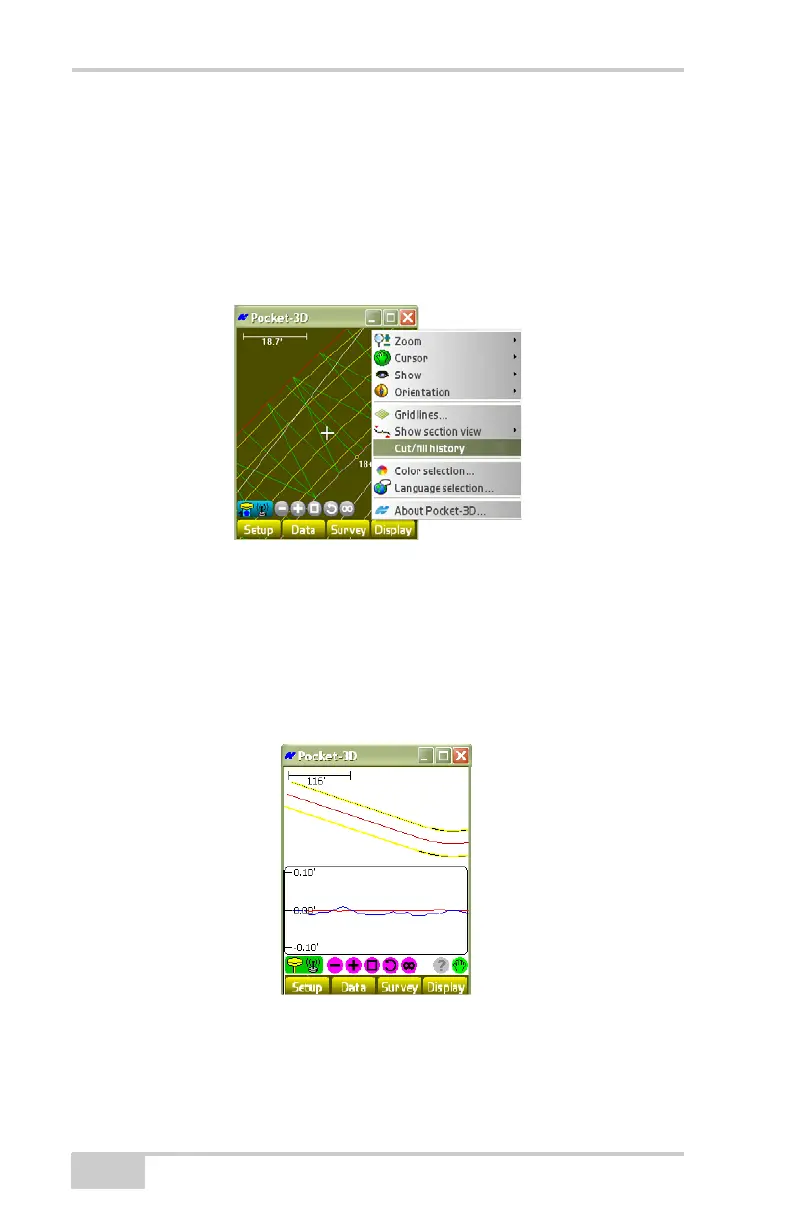
Cut/fill History
For mmGPS applications only, Pocket-3D has an option to view the
cut/fill history of the loaded project.
To display the cut/fill history, tap DisplayCut/fill history
(
Figure 5-9).
Figure 5-9. DisplayCut/fill History
The cut/fill window (Figure 5-10 on page 5-8) displays the on-going
highs and lows of the project as determined by both laser and GPS
readings.
• The red line indicates mmGPS detection.
• The blue line indicates GPS only detection.
Figure 5-10. Cut/Fill History
See “Cut/Fill “Real-Time” Updates” on page 4-24 for more
information on this option.



 To Next Page