Data Menu
Pocket-3D Reference Guide
3-26
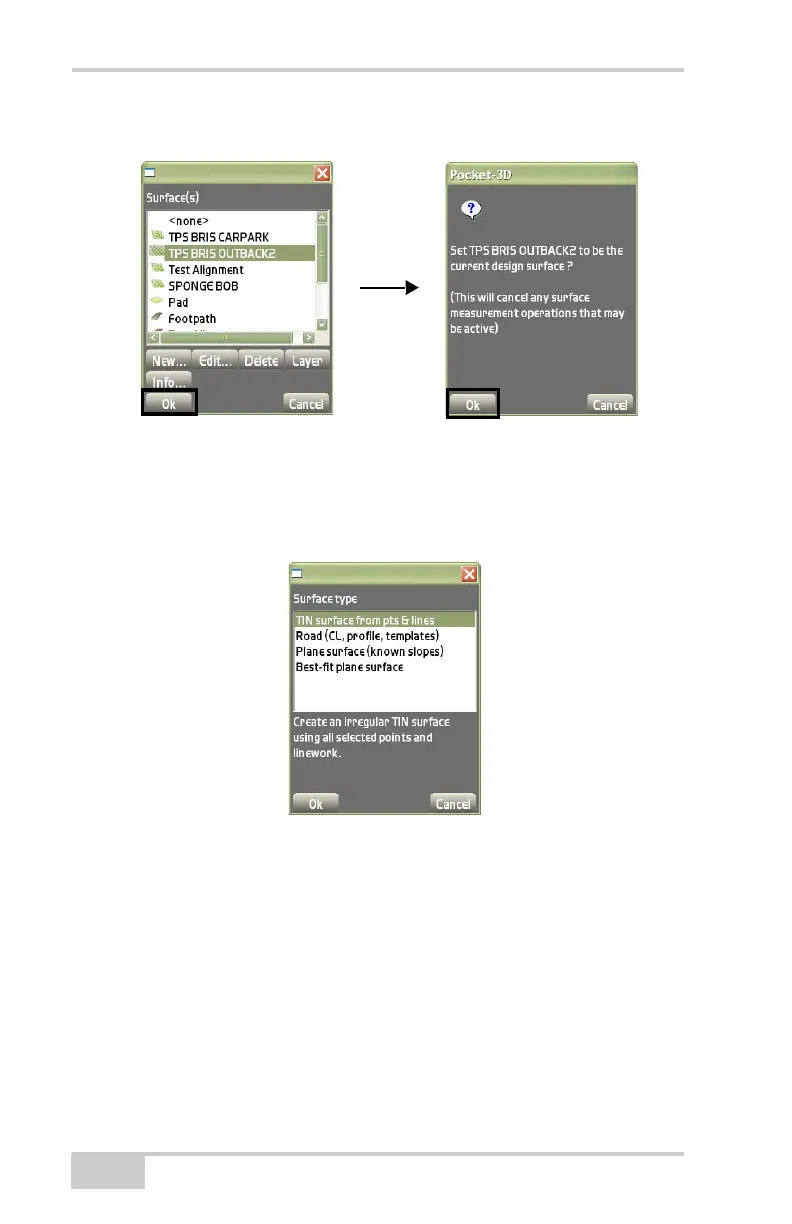
Figure 3-38. Surfaces Dialog Box
• New – displays the Surface type dialog box (Figure 3-39). Select
one of the four types of Design Surface files: TIN, Road, Plane
surface, or Best-fit plane surface.
Figure 3-39. Surface Type Dialog Box
TIN Surface File
Creates an irregular TIN surface using selected points and linework.
To configure a new TIN surface file, press New on the Surface(s) dia-
log box. Highlight the TIN surface from pts & lines on the Surface
type dialog box, and press Ok (
Figure 3-39).



 To Next Page