Data Menu
Pocket-3D Reference Guide
3-56
Edit
To edit an alignment file, select the desired file, then press Edit. Fol-
low the same process as for a new alignment file (see “New” on
page 3-49).
Delete
The Delete button removes an existing file from internal memory. The
touch screen lists all files available for deletion.
To remove a file, select the desired file, then press Delete.
The program always confirms the deletion of a selected file. Select
Yes to confirm the deletion.
Import/Export
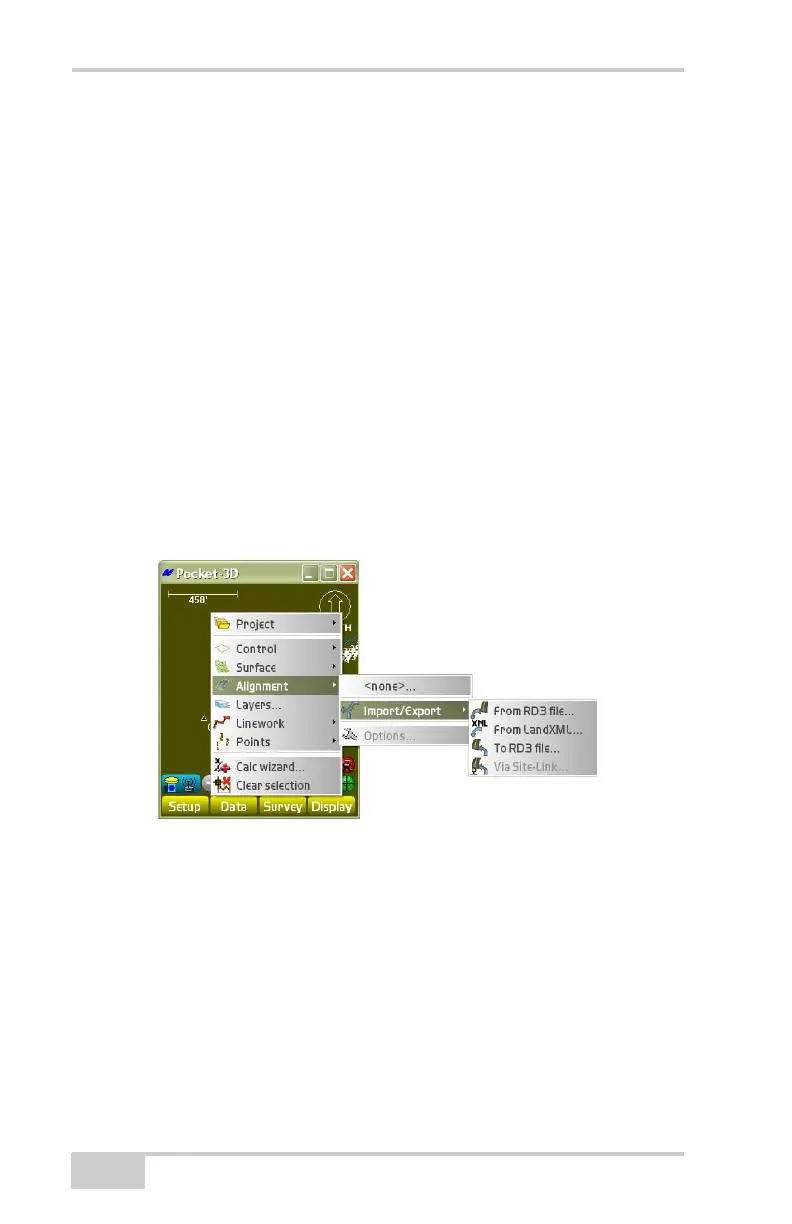
To import an alignment file, tap DataAlignmentImport/Export
(
Figure 3-80).
Figure 3-80. Import/Export an Alignment File
From RD3 File
To import a Topcon Road file (RD3) as an alignment file, tap
Data
AlignmentImport/ExportFrom RD3 file (Figure 3-81
on page 3-57).



 To Next Page