Alignment
P/N 7010-0628
3-55
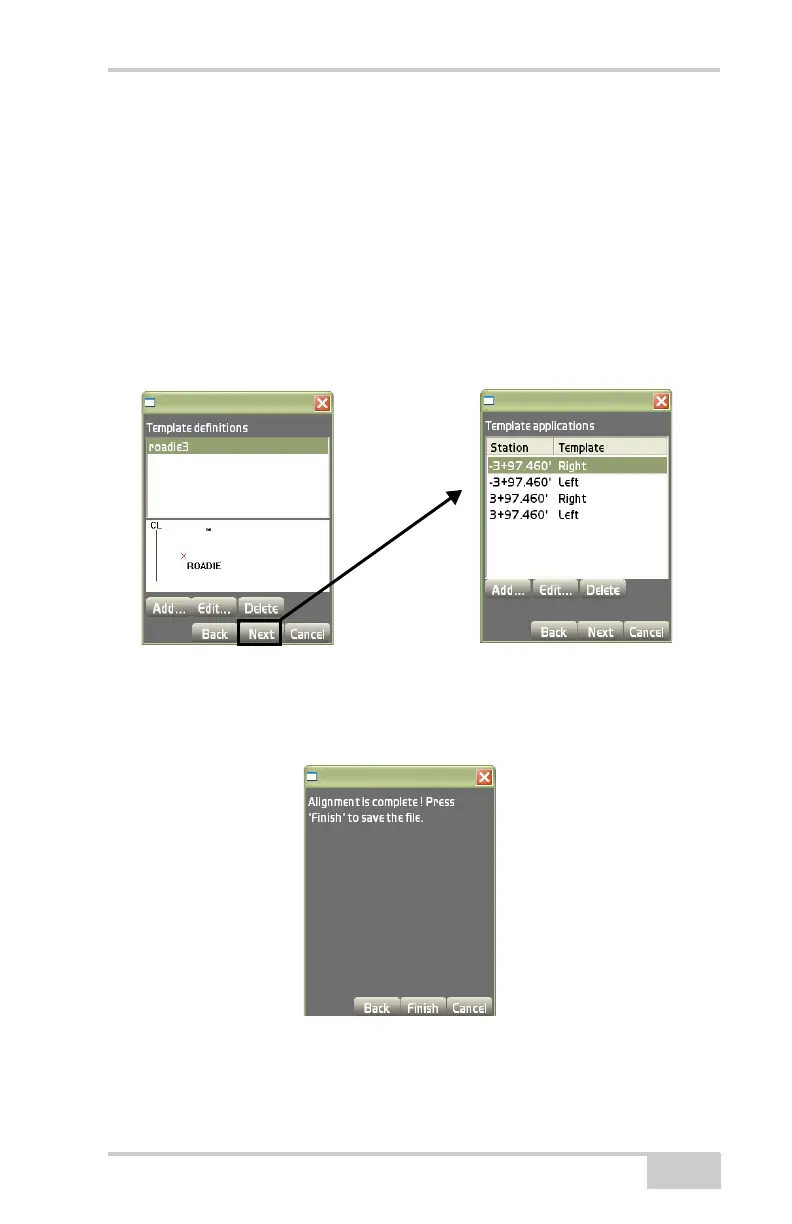
• Add – on the Template applications dialog box, press Add to
enter a template application and it’s respective information, then
press Ok to save the information. Follow the same process as
seen on
page 3-38.
• Edit – on the Template applications dialog box, press Edit to edit
the selected template application. Follow the same process as
shown on
page 3-38.
• Delete – on the Template applications dialog box, press Delete to
delete the selected template application.
Figure 3-78. Template Applications Dialog Box
On the Alignment complete dialog box, press Finish to save the
information (
Figure 3-79).
Figure 3-79. Press Finish



 To Next Page