Move Selected Objects
P/N 7010-0628
3-111
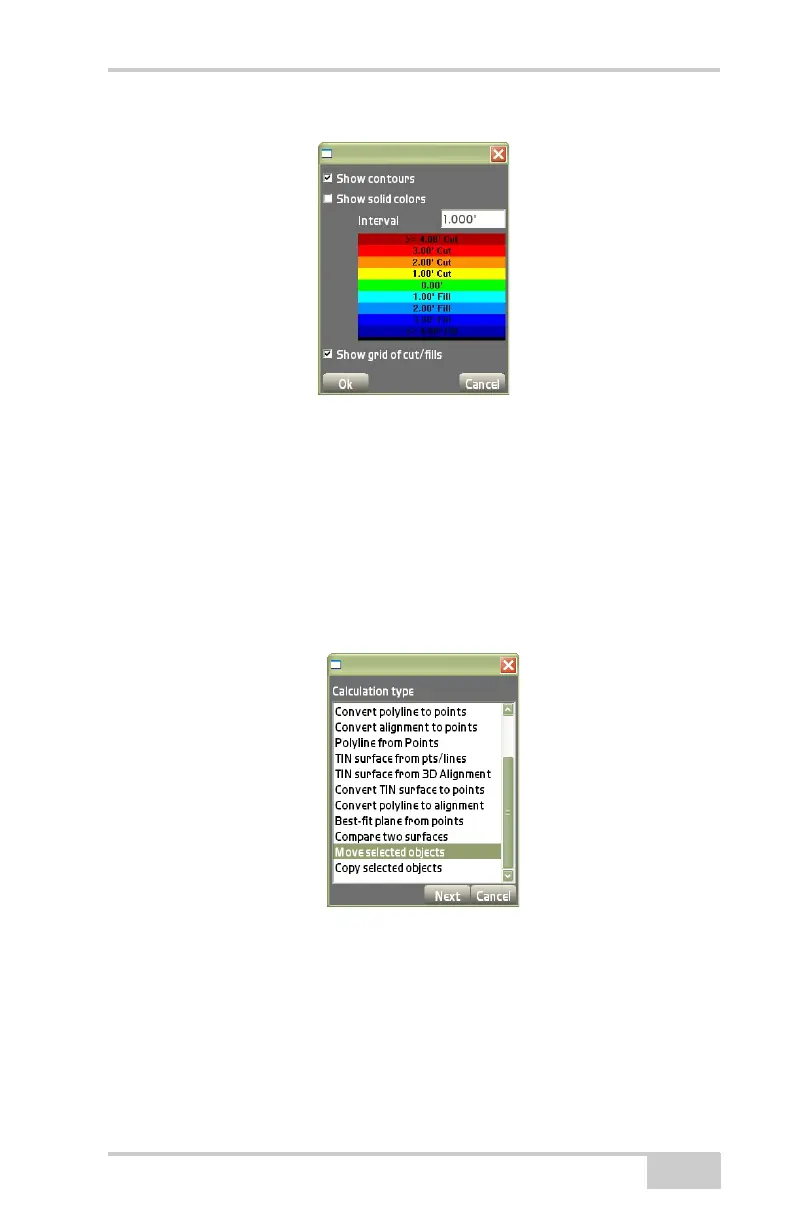
Figure 3-170. Surface Display Dialog Box
Move Selected Objects
On the Calculation type dialog box, select Move selected objects,
then press Next (
Figure 3-171). This process moves all selected
objects by a linear distance and can also rotate them around a specific
point.
Figure 3-171. Move Selected Objects
On the align selected objects dialog box (Figure 3-172 on
page 3-112), do the following:
• Align selected objects – define a vector/distance and direction by
what you want to move your objects to:



 To Next Page