Data Menu
Pocket-3D Reference Guide
3-74
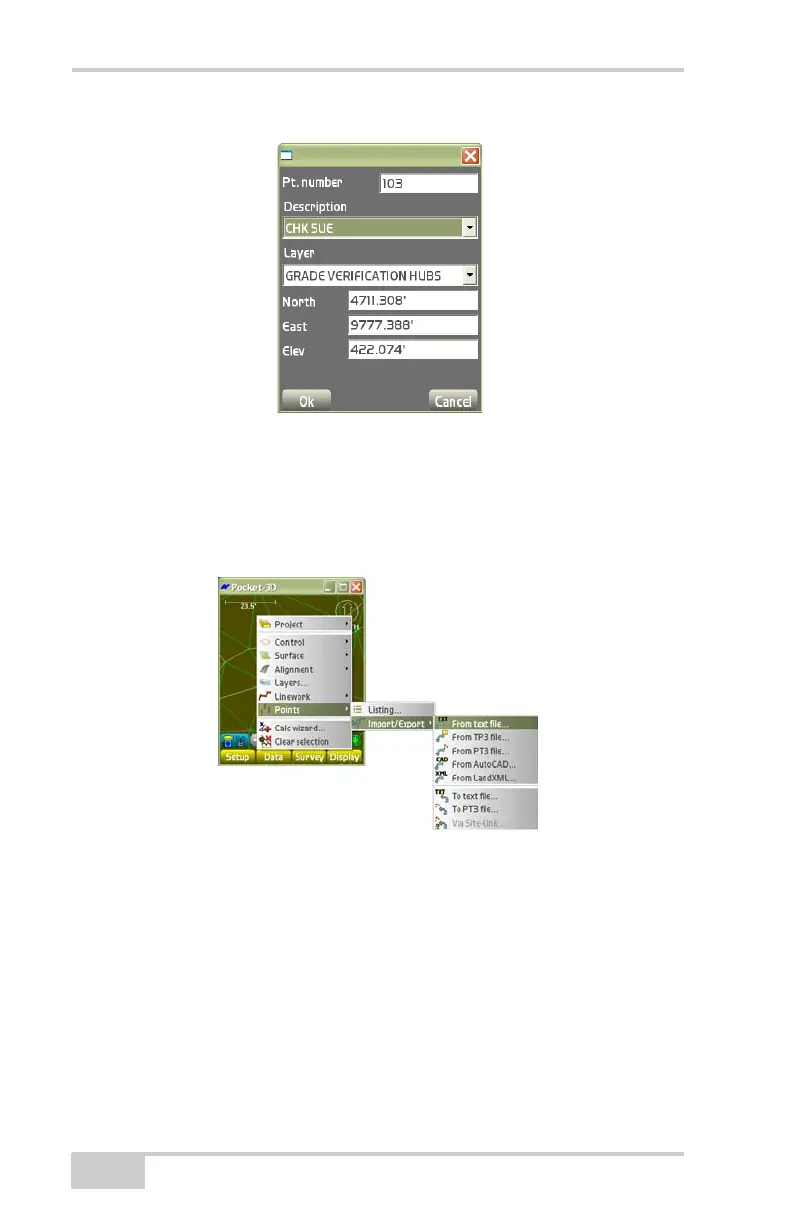
Figure 3-109. Points Parameters Dialog Box
Conversion Formats
To create, edit, or delete a conversion format, tap Data
PointsImport/ExportFrom text file.
Figure 3-110. Create a Conversion Format
Press Format on the Source text file dialog box. The Conversion for-
mats dialog box displays (Figure 3-111 on page 3-75). To convert
formats, do the following:
• New – on the Conversion formats dialog box, press New to enter
a conversion format and it’s respective information, then press
Ok to save the information (
Figure 3-112 on page 3-76). See
“The Line Items” and “The Import Rules” on page 3-20 for



 To Next Page