Preface
Pocket-3D Reference Guide
vi
SAFETY Improper use of a Topcon Product can lead to injury to
persons or property and/or malfunction of the Product. The Product
should only be repaired by authorized TPS warranty service centers.
Users should review and heed the safety warnings in the manual
accompanying the Product.
MISCELLANEOUS The above Terms and Conditions may be
amended, modified, superseded, or canceled, at any time by TPS. The
above Terms and Conditions will be governed by, and construed in
accordance with, the laws of the State of California, without reference
to conflict of laws.
Manual Conventions
This manual uses the following conventions:
Example Explanation
FileExit Tap/press the File menu and tap/press Exit.
Enter Tap or press the button or key labeled Enter.
Topo Indicates the name of a dialog box or screen.
Notes Indicates a field on a dialog box or screen, or a tab
within a dialog box or screen.
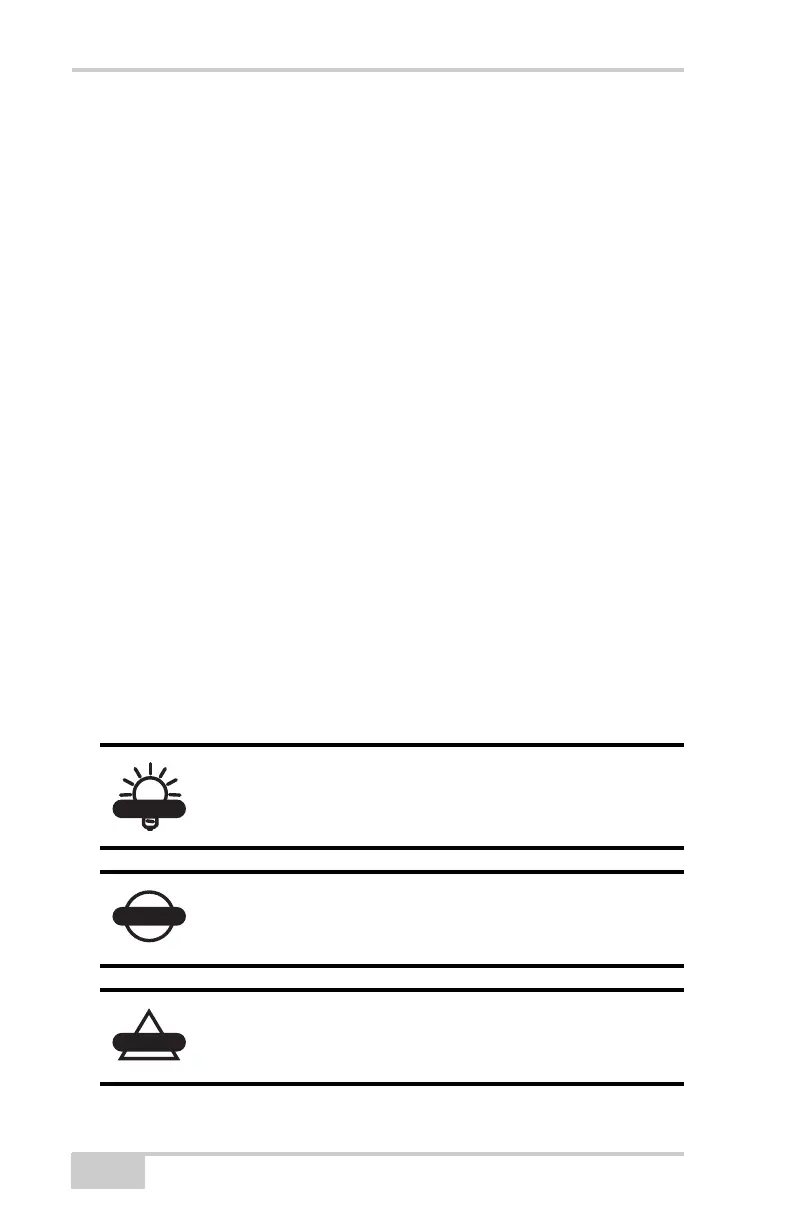
Supplementary information that can help you
configure, maintain, or set up a system.
Supplementary information that can have an affect
on system operation, system performance,
measurements, or personal safety.
Notification that an action has the potential to
adversely affect system operation, system
performance, data integrity, or personal health.



 To Next Page