Data Menu
Pocket-3D Reference Guide
3-24
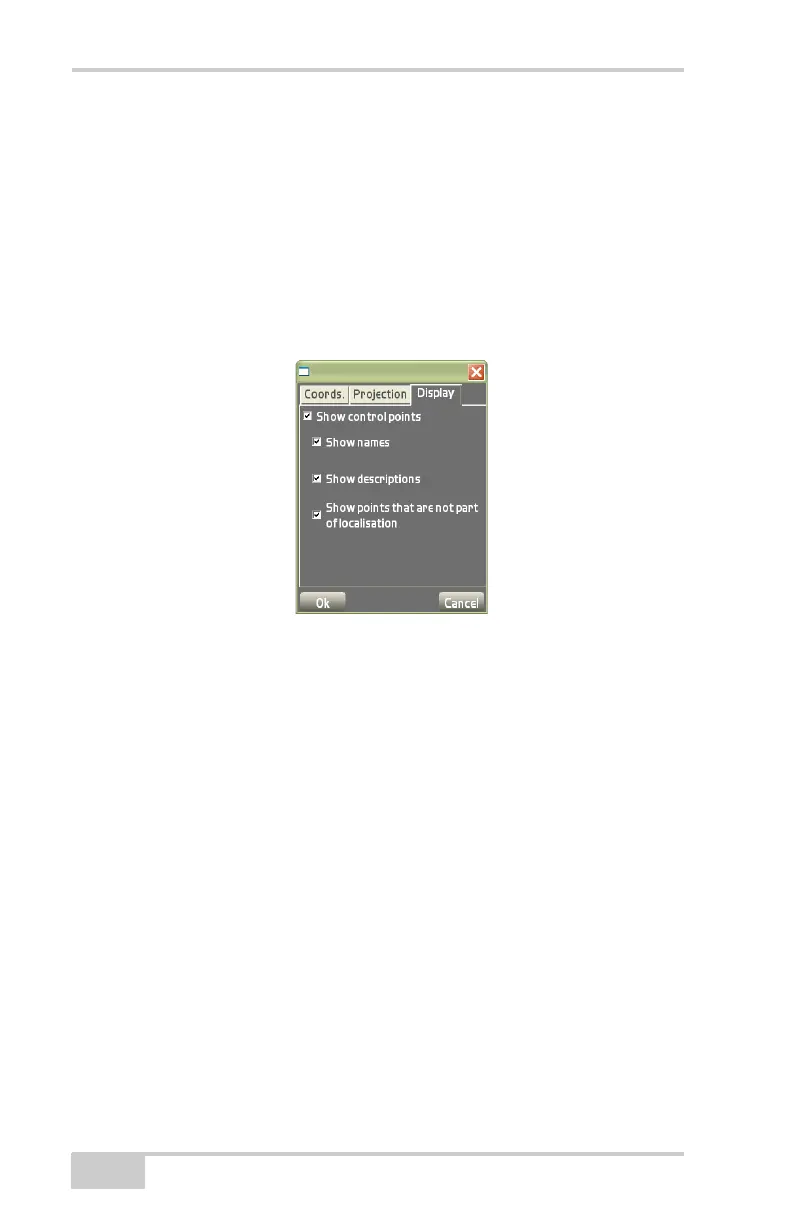
• Show control points – enable to display control point
information on the main screen.
– Show names: enable to display control point names on
the main screen.
– Show descriptions: enable to display control point
descriptions on the main screen.
– Show points that are not part of localisation: enable to
display points not part of the localization.
Figure 3-36. Control Options – Display Options
Surface
Used in 3D GPS+, Total Station, and Robotic applications, the Sur-
face menu creates, edits, and selects Design Surface files. Design Sur-
face files can also be copied between the Pocket-3D controller and the
Control Box using a Flash Card.
Pocket-3D supports the following four types of Design Surface files:
• TIN Surface Model – large, irregularly shaped triangles. See
“TIN Surface File” on page 3-26 for more details.
A TIN surface represents a surface as a network of non-
overlapping triangles. Within each triangle the surface is
represented by a plane. The triangles are made from a set of
points called mass points.
• Road Surface Model – horizontal alignments, vertical profiles,
and templates situated (cross-section) along the road. See
“Road



 To Next Page