Stake-out
P/N 7010-0628
4-35
Coordinate
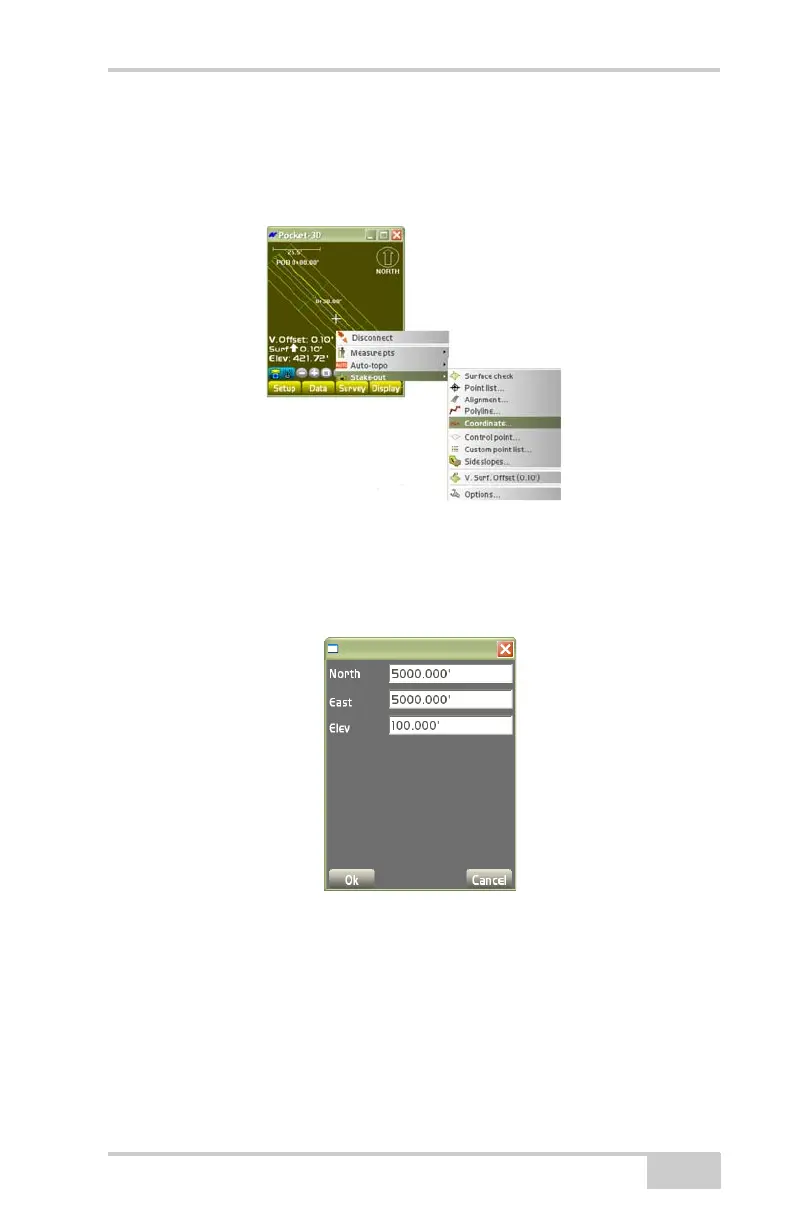
To stake-out a coordinate, tap SurveyStake-outCoordinate
(
Figure 4-53).
Figure 4-53. Stake-out a Coordinate
On the coordinate dialog box, enter the desired Northing/X, Easting/
Y, and Elevation/Z coordinates to stake-out, then press Ok
(Figure 4-54).
Figure 4-54. Coordinate Dialog Box
If the point to be staked lies outside the screen area, the main screen
displays an arrow pointing in the direction of the coordinate
(
Figure 4-55 on page 4-36).



 To Next Page