Data Menu
Pocket-3D Reference Guide
3-108
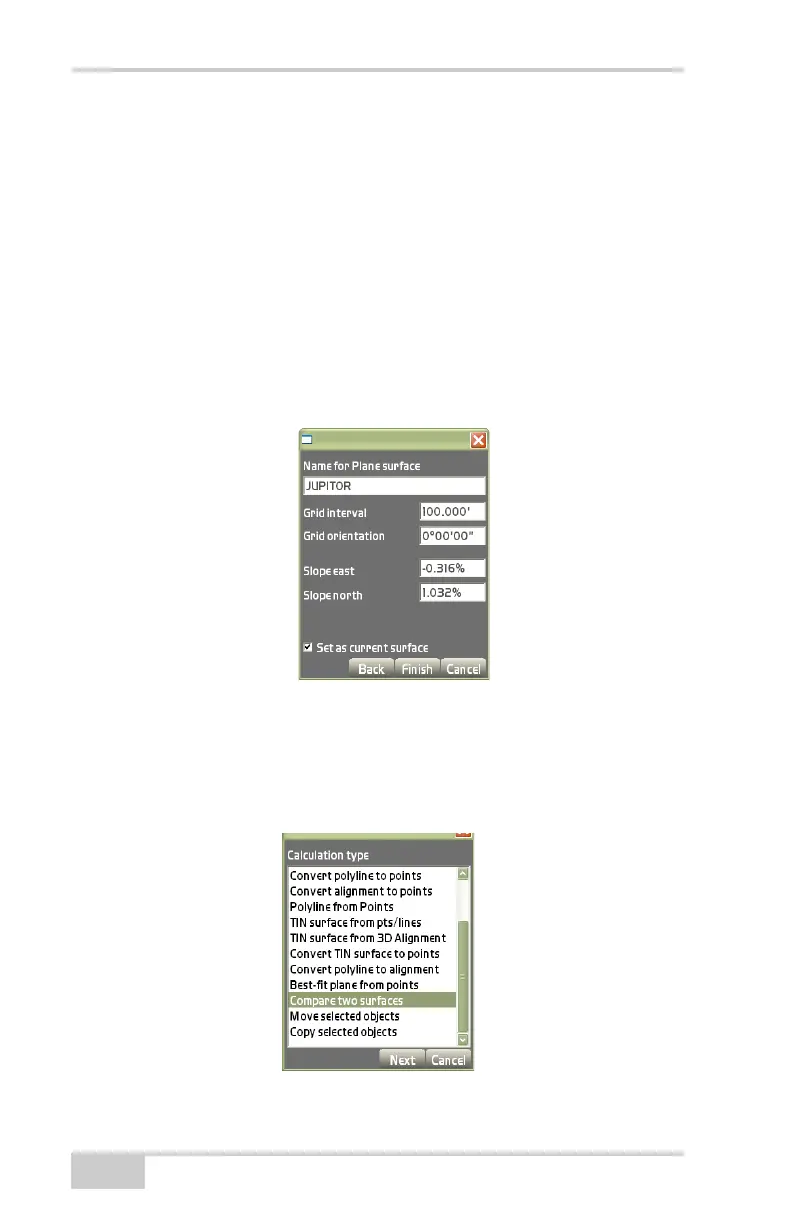
On the plane surface properties dialog box (Figure 3-165), enter
the following parameters for the Plane surface, the press Finish:
• Name for Plane surface – enter a name for the Plane surface.
• Grid interval – enter the grid interval parameter.
• Grid orientation – enter a parameter for the grid orientation.
• Slope east – enter the slope parameter to the east.
• Slope north – enter the slope parameter to the north.
• Set as current surface – enable to set the surface as the current
surface.
Figure 3-165. Plane Surface Properties Dialog Box
Compare Two Surfaces
On the Calculation type dialog box (Figure 3-166), select Compare
two surfaces, then press Next.
Figure 3-166. Calculation Type – Compare Two Surfaces



 To Next Page