Survey Menu
Pocket-3D Reference Guide
4-52
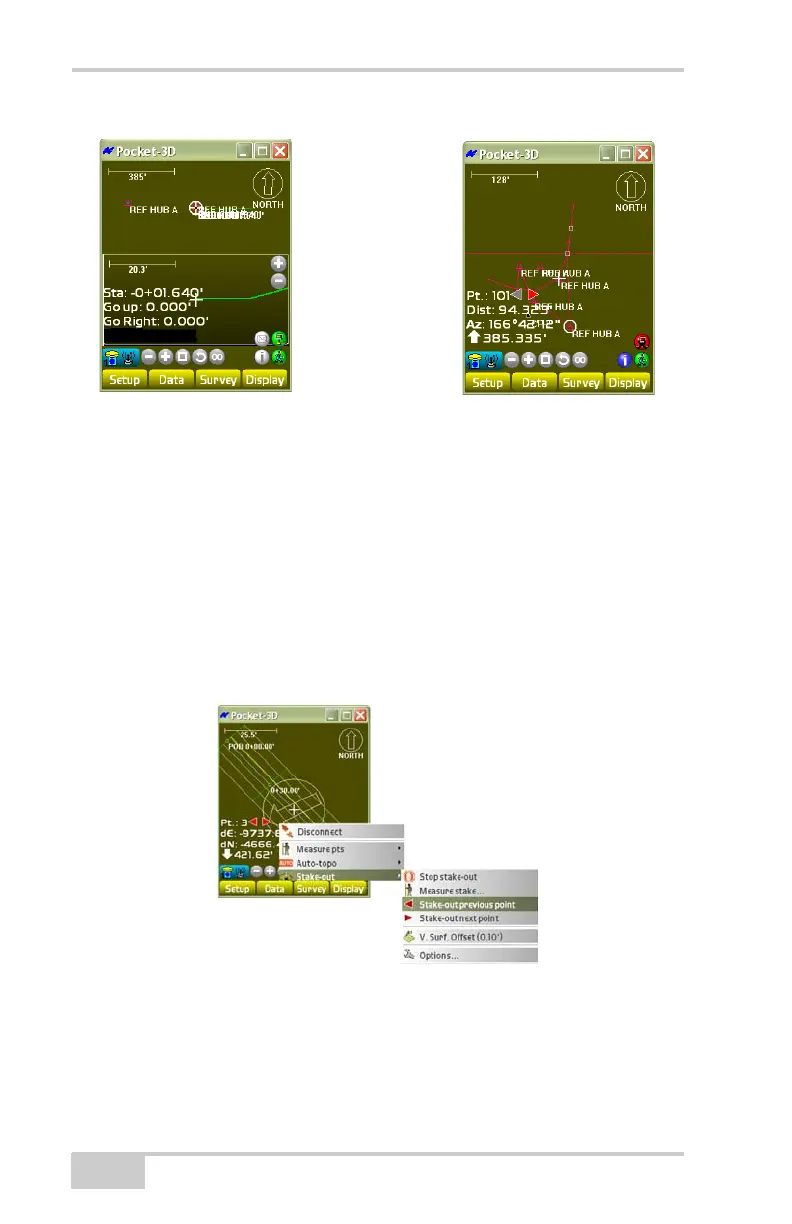
Figure 4-77. Side Slopes/Cross-section Slopes Section View Screen
Stake-out Previous Point
To activate the Stake-out previous point menu options, first stake out
points on a side slope (see
“Side Slopes” on page 4-41).
To stake out the previous point, tap SurveyStake-outStake-out
previous point (
Figure 4-78). This menu option is only available if
“Regular station/transition” is selected on the Stake-out dialog box
when staking out points on a side slope. See
“Side Slopes” on
page 4-41 for more information.
Figure 4-78. SurveyStake-outStake-out PreviousPoint
Side Slope
Cross section
Slope



 To Next Page