Survey Menu
Pocket-3D Reference Guide
4-66
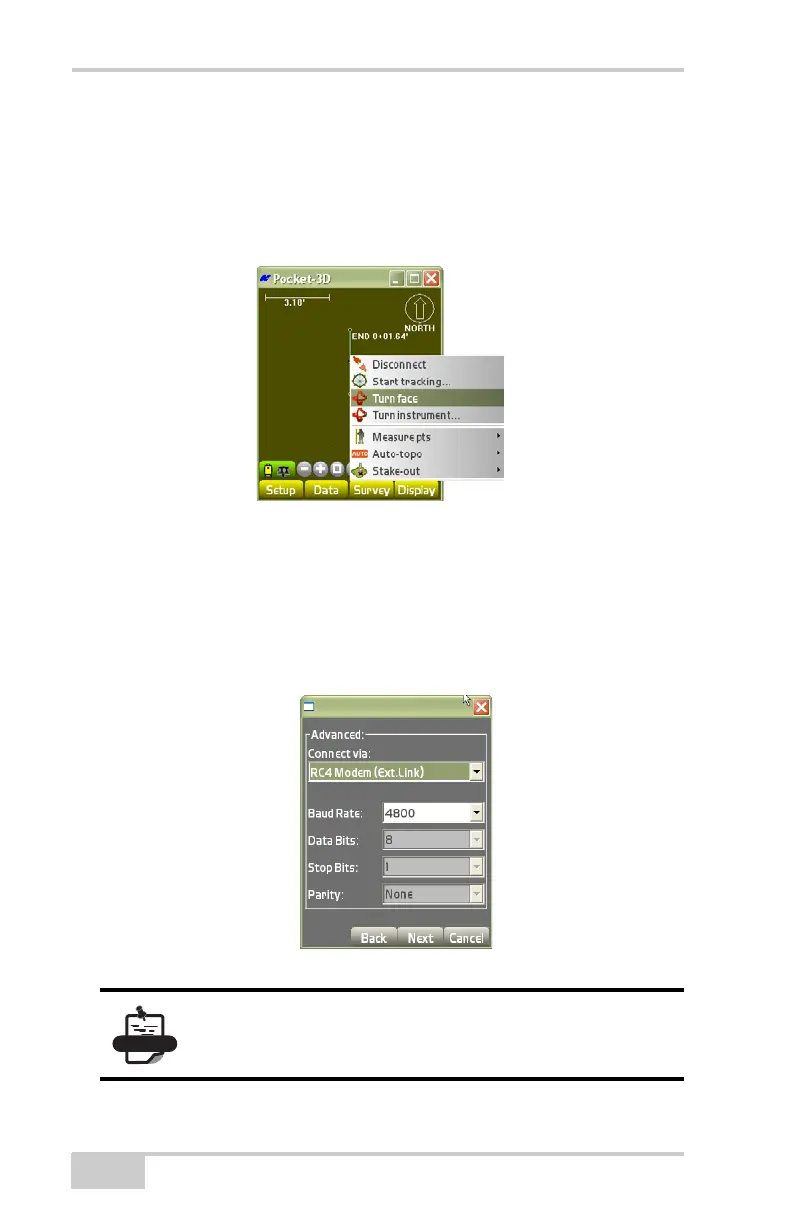
Turn Face
To display the Turn Face menu option tap SetupEquipment.
Follow the instructions for a range-pole setup. See
“Total Station
Survey Applications” on page 4-58 for more information.
Figure 4-95. Turn Face
Select the “RC (Ext. Link)” for Connection type on the Advanced
dialog box (
Figure 4-96 on page 4-66). See “Total Station
Applications” on page 2-29 for more details.
Tap SurveyConnect, then press SurveyTurn face. Pressing
Turn Face returns you to the main screen.‘
Figure 4-96. Select Total Station Connection Type
See “Auto-topo/Stop Auto-topo” on page 4-16 for
information on this application.



 To Next Page