Robotic Applications
P/N 7010-0628
2-35
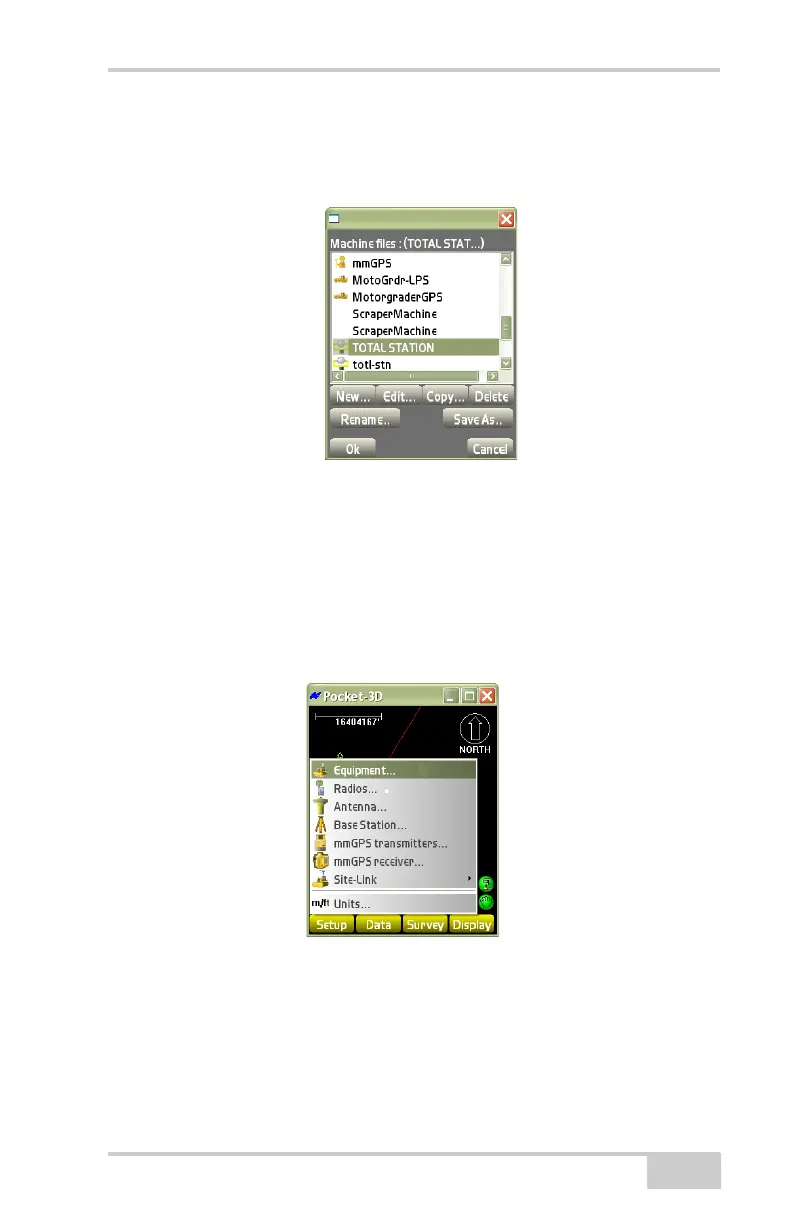
7. On the Machine files dialog box (Figure 2-48), select the new or
edited configuration file, and press Ok to return to the main
screen.
Figure 2-48. Select Equipment Configuration
Robotic Applications
The Setup menu for robotic applications is about the same as for
range pole applications (
Figure 2-49). The differences are noted
below.
Figure 2-49. Setup Menu for Total Station Applications



 To Next Page