GPS Applications
P/N 7010-0628
2-11
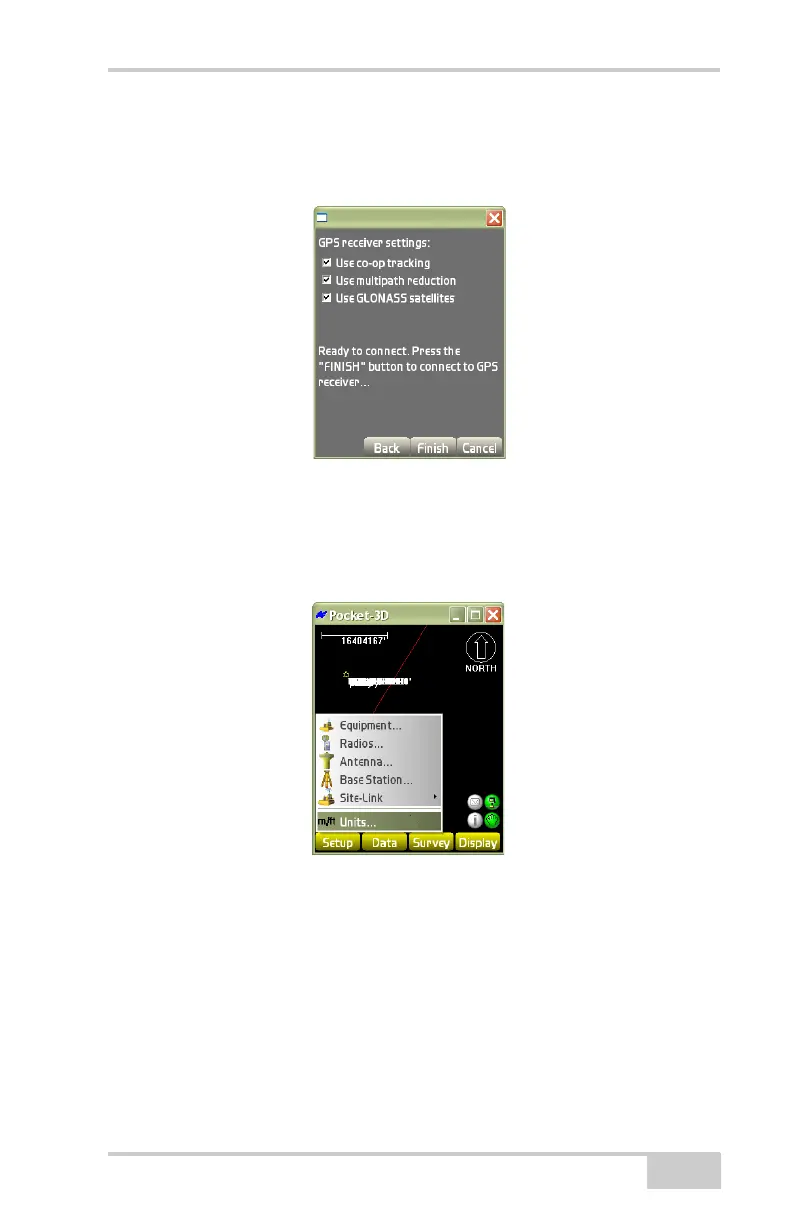
• Use GLONASS satellites – if enabled, these satellites will not be
included in the position calculations and will not display on the
satellite plot if disabled.
Figure 2-16. Select GPS Receiver Settings
Units
To set project units, tap SetupUnits (Figure 2-17).
Figure 2-17. SetupUnits
On the units dialog box (Figure 2-18 on page 2-12), select the desired
units for each item from the drop-down lists. Press Ok to continue;
Pocket-3D saves the entered units.
The units can be changed at any time; Pocket-3D automatically saves
the changes.
• Distances – select either Meters, US Survey feet, International
feet, or Feet + Inches.



 To Next Page