Starting Pocket-3D
P/N 7010-0628
1-5
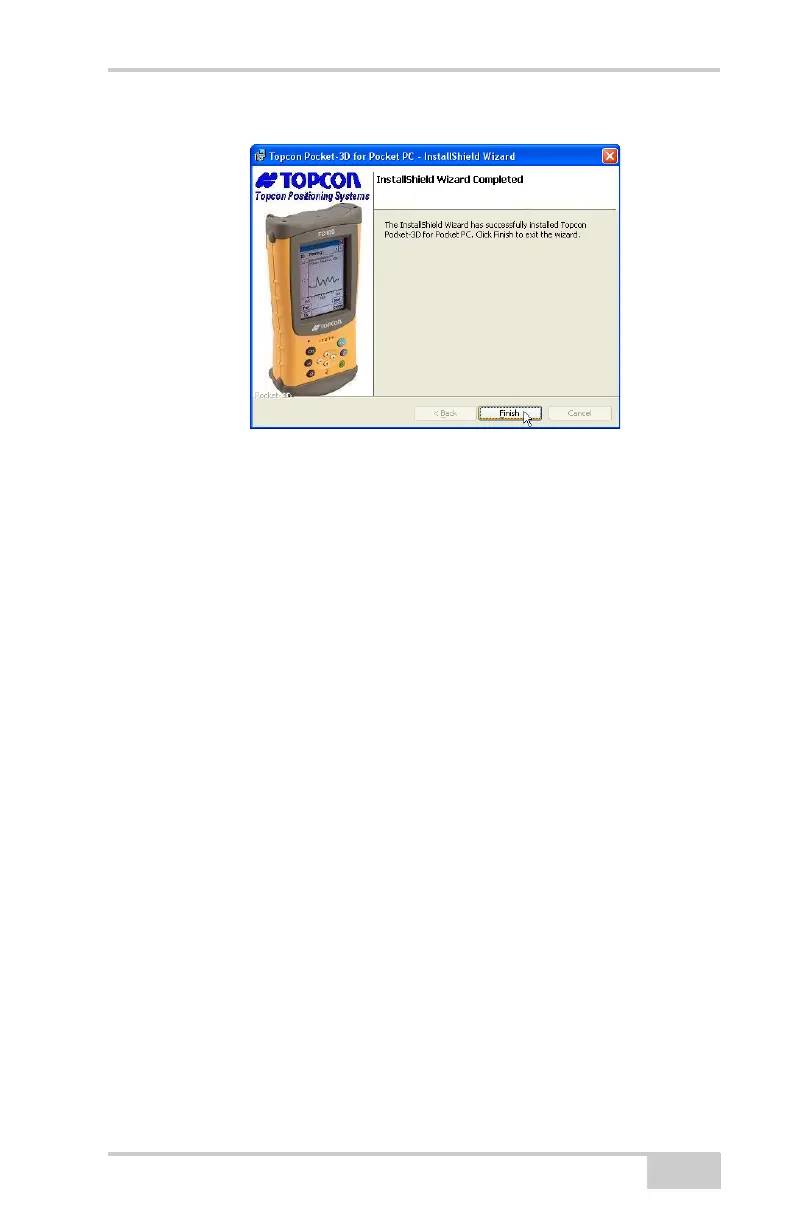
Figure 1-7. Finish Install and Exit
Starting Pocket-3D
To start Pocket-3D, press theWindows icon and press Pocket3D in
the program list.
Upon initial startup, Pocket-3D requires authorization codes to
properly run (
Figure 1-8 on page 1-6). The password protection
mechanism has been changed to allow a larger number of options and
to provide better security. Because the codes are much longer now,
you can import directly from an option file on a USB dongle, etc.
Existing installs of Pocket-3D will automatically be upgraded to the
new protection mechanism. New users will require codes generated
via the new “Keygen2” application.
When you receive the authorization codes, enter them into the
appropriate fields on the Device Identification screen and press Ok
(
Figure 1-8 on page 1-6).
• Device identification
• Company name
•Contact name
• Company address
• Contact phone number
• Contact email address
• Software Type (Pocket-3D)



 To Next Page