P/N 7010-0628
Chapter 1
1-1
Installing Pocket-3D
Welcome to Pocket-3D™, the software contractors use to build job
files, check cuts and fills, layout points, and survey all or part of a
jobsite. This software comes on a CD and is ready to install on a
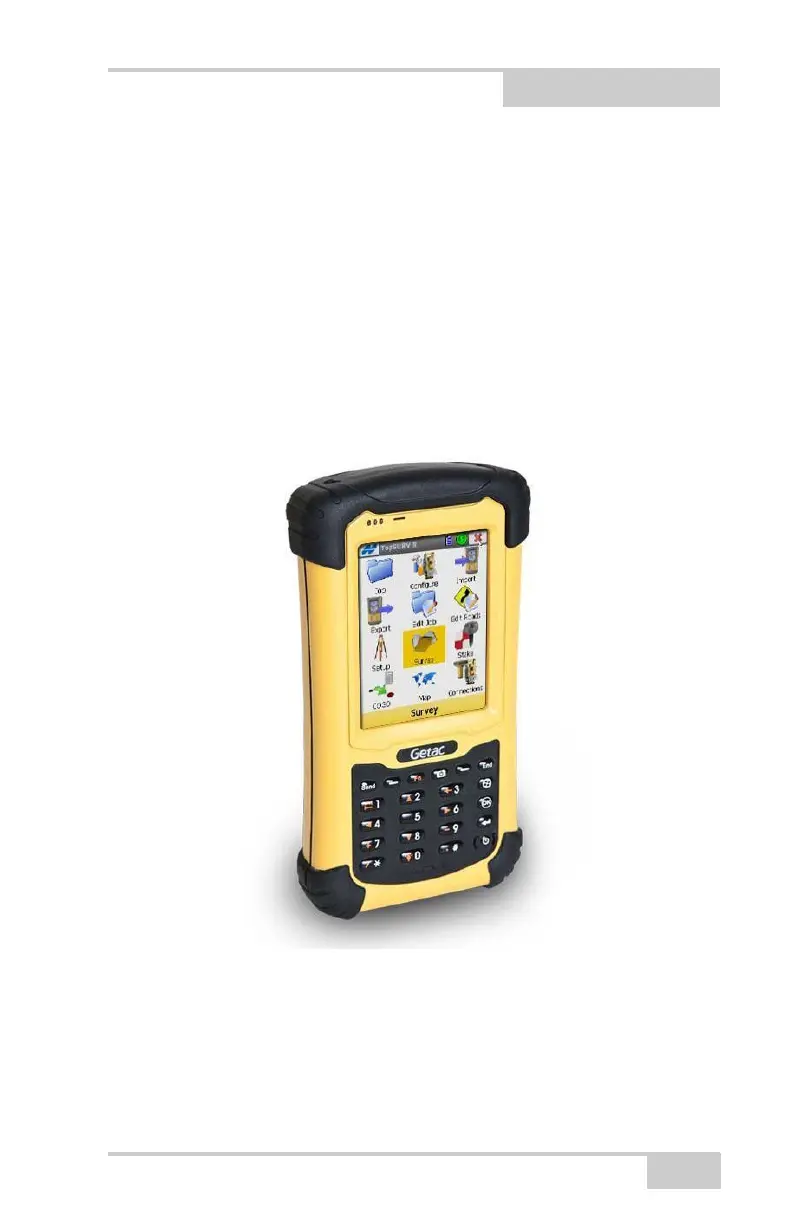
hand-held controller—such as, the Topcon FC-236™, GRS-1, or the
FC-250—and is only available as part of the 3DMC Bundle from
Topcon™ dealers.
Figure 1-1. Pocket-3D on Controller (Topcon’s FC-236)
NOTE: Pocket-3D now runs on FC25 and FC2500 controllers.



 To Next Page