Measure Points
P/N 7010-0628
4-3
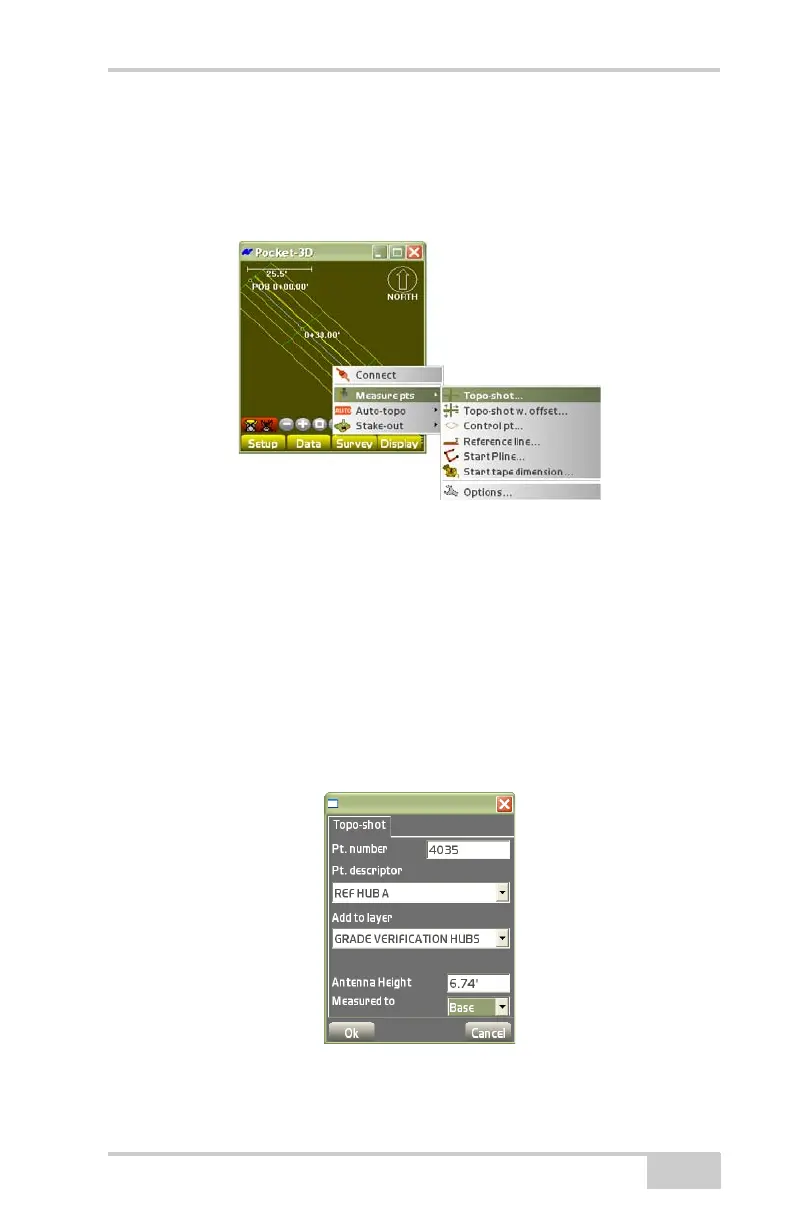
Topo-shot
To collect a topo-shot, tap SurveyMeasure ptsTopo-shot
(
Figure 4-4).
Figure 4-4. TopoShot
On the Topo-shot dialog box, select the desired parameters for the
topo-shot point, then press Ok (
Figure 4-5 on page 4-3).
• Pt. number – enter the point number.
• Pt. descriptor – enter the point description (if preferred).
• Add to layer – stores measured points to the selected layer
• Antenna Height – enter the desired antenna height
• Measured to – select either Base or Rim from the drop-down box.
Figure 4-5. Measure Topo-shot



 To Next Page