GPS Status Information
P/N 7010-0628
1-17
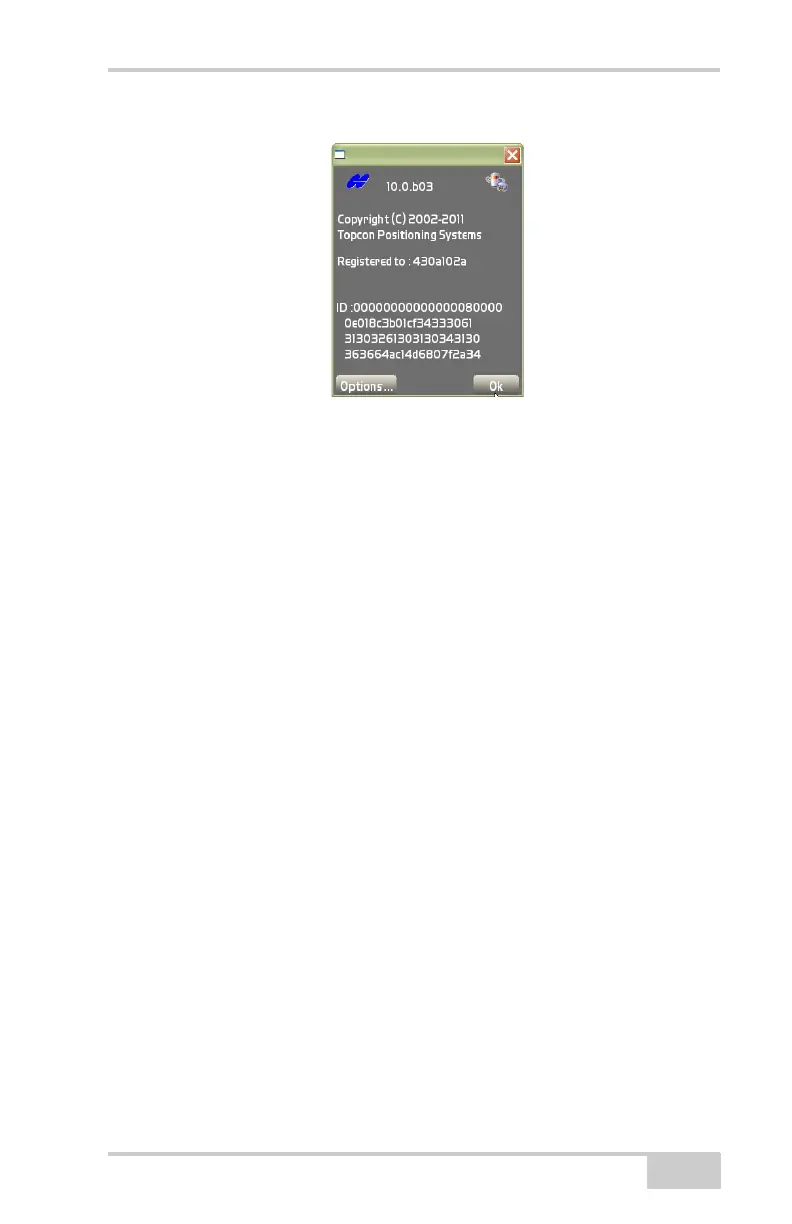
Figure 1-21. About Pocket-3D
GPS Status Information
Once connected to a GPS/mmGPS system, the status button on the
toolbar turns green (GPS) or blue (mmGPS). Press the status button to
view or edit the different application-specific parameters (
Figure 1-22
on page 1-18).
GPS Status
While in GPS control, to view GPS information, change the mask
angle or reset the receiver, press the GPS status button on the toolbar.
The GPS status dialog box displays (
Figure 1-22 on page 1-18).
The color of the button and state of the hardware symbol indicates the
status of the system.
• Background color – green means the entire system communicates
with Pocket-3D; red means all or some part of the system is not
communicating with Pocket-3D; orange means low precisions.
• Hardware symbol state – if the symbol is crossed out, the
corresponding sensor/receiver is not available. If the radio link is
between 3 and 10 seconds old, the radio icon will flash (bad or
weak signal); after 10 seconds, it will be crossed out (unavailable
signal).



 To Next Page