Auto-topo/Stop Auto-topo
P/N 7010-0628
4-21
Polyline
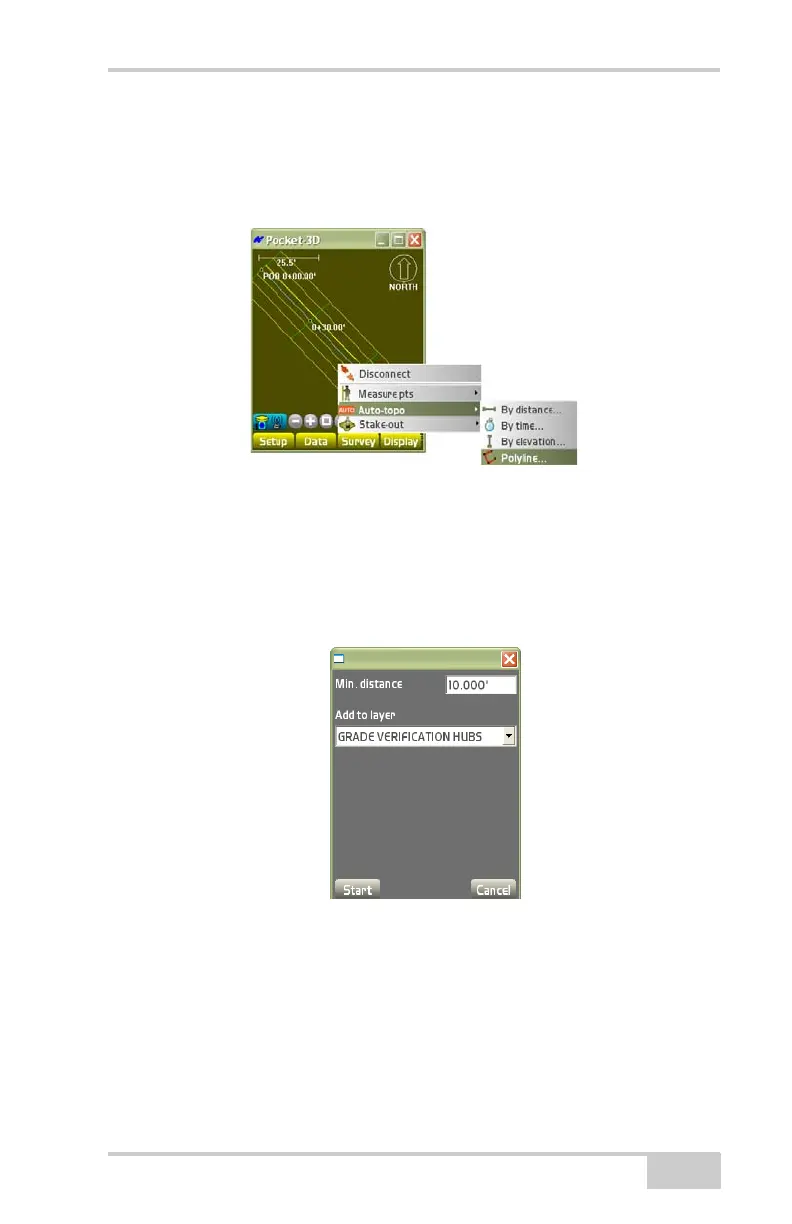
To measure points at a set distance along a polyline, tap Survey
Auto-topoPolyline (Figure 4-32).
Figure 4-32. SurveyAuto-topoPolyline
On the Polyline dialog box, select the desired parameters, then press
Ok (
Figure 4-33).
• Min. distance – enter the minimum distance for logging points.
• Add to layer – stores measured points to the selected layer.
Figure 4-33. Polyline Dialog Box



 To Next Page