Survey Menu
Pocket-3D Reference Guide
4-20
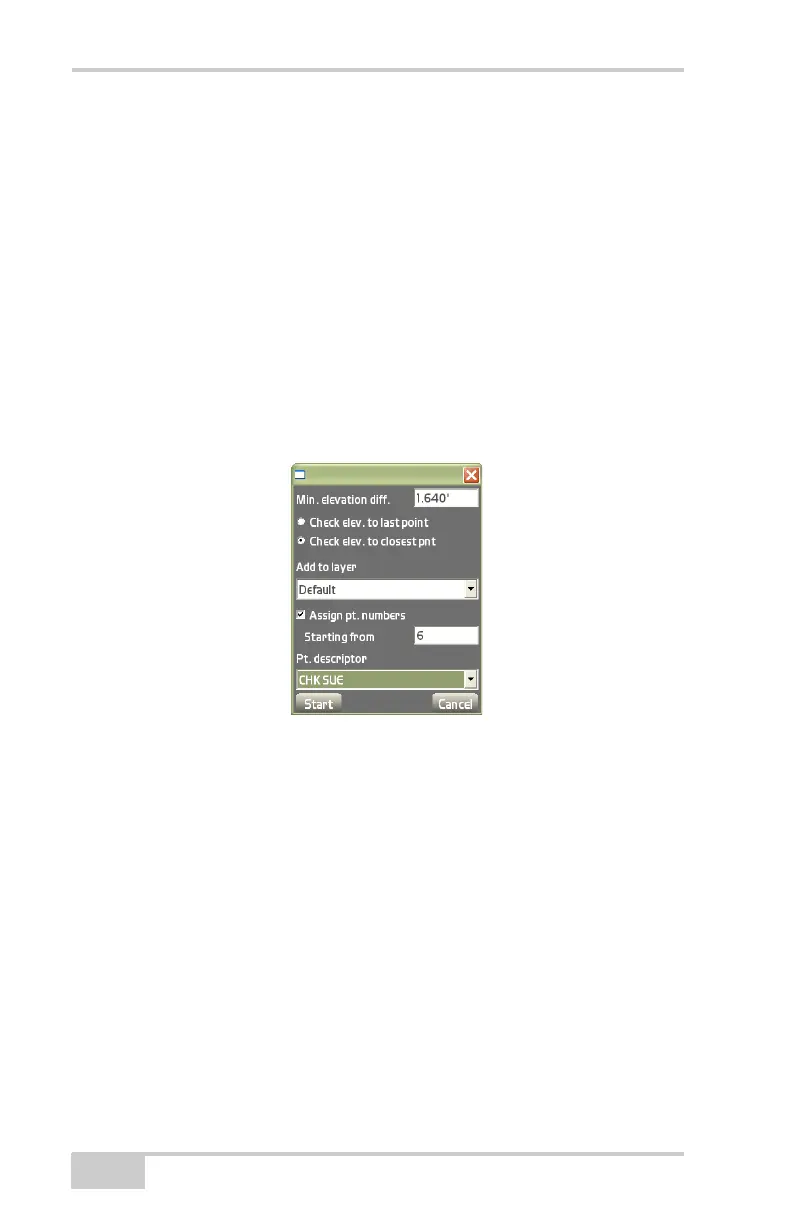
this option enabled, measurements can be lower than or higher
than the entered elevation difference.
• Check elev. to closest point – enable to make sure that no
measurements within the jobsite are closer to each other than the
entered elevation difference.
• Add to layer – stores measured points to the selected layer.
• Assign pt. numbers – enable to assign point numbers to measured
points.
• Starting from – enter the starting point number with which to
begin measuring auto-topo points.
• Pt. descriptor – enter the point description (if preferred).
Figure 4-31. Auto-topo Survey – By Elevation



 To Next Page