Survey Menu
Pocket-3D Reference Guide
4-58
• Edit – press to edit all existing formats.
• Copy – press to copy existing formats.
• Delete – press to delete the highlighted format.
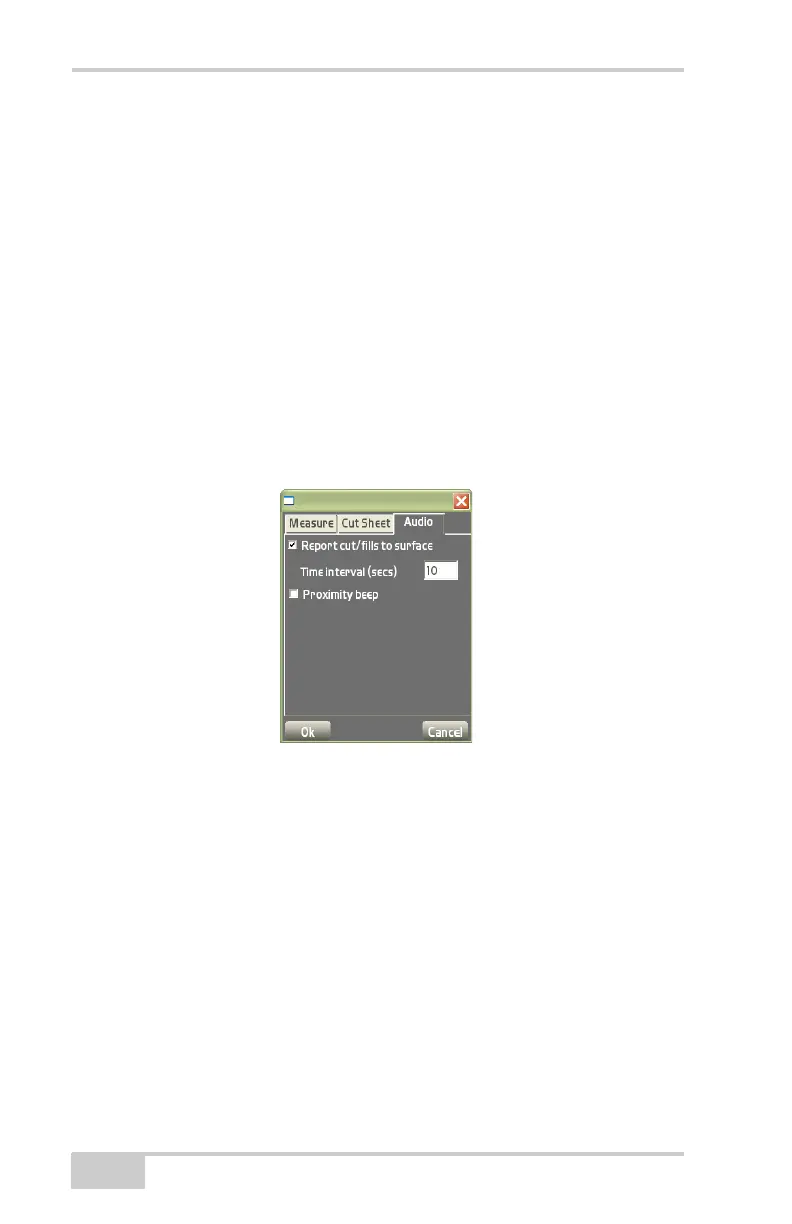
Audio tab an internal, Pocket-3D voice recites the cut/fill value
rounded to the nearest tenth of a foot.
• Report cut/fills to surface – enable to audibly report the cut/fills
to the surface.
• Time interval (secs) – enter the desired time interval in seconds
for the voice to recite the cut/fill.
• Proximity beep – enable to alert the user when approaching the
selected stakeout function.
Figure 4-86. Measure and Audio Option Tabs
Total Station Survey
Applications
In total station survey applications, the Survey menu (Figure 4-87 on
page 4-59) has the following additional menu items. Many survey
and stakeout functions are the same for GPS and total station
applications. The following sections note the differences. The type of
instrument configured determines the available menu items.
• Connect/Disconnect
• Measure pts



 To Next Page