Data Menu
Pocket-3D Reference Guide
3-80
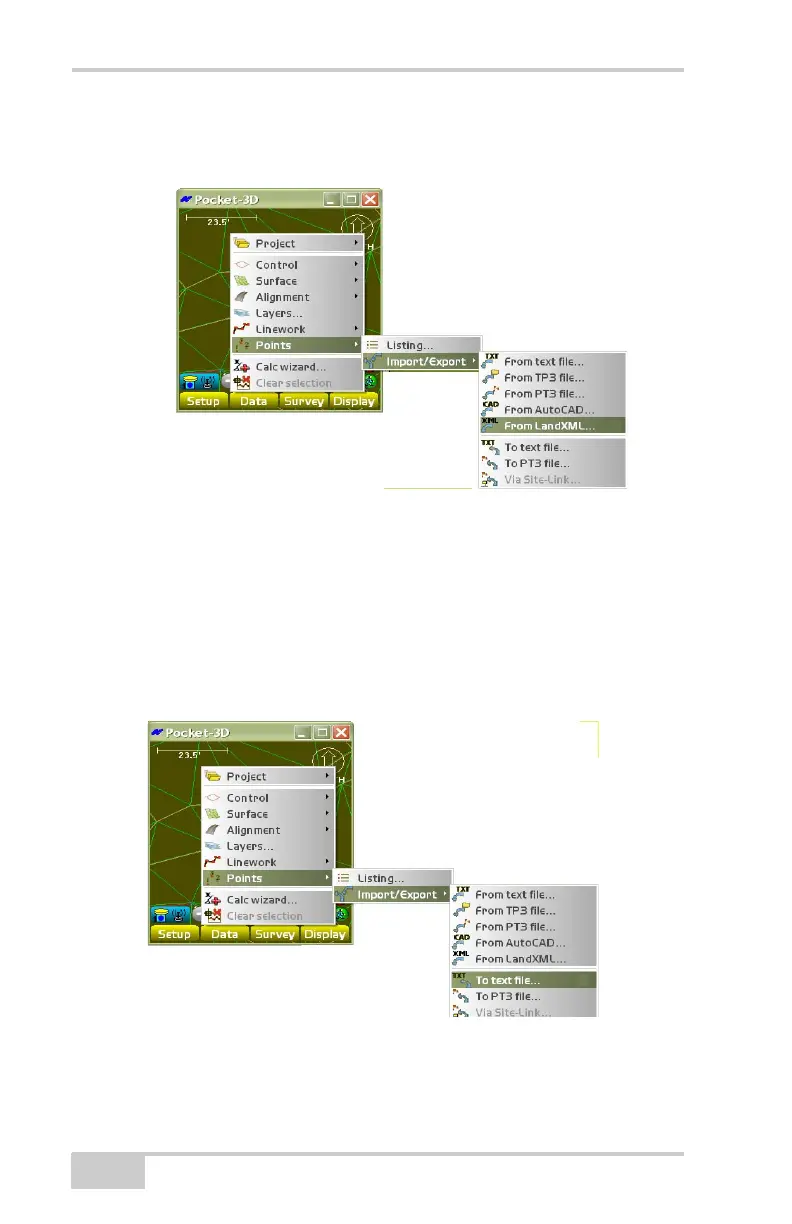
From LandXML To import points from a LandXML (.xml) file, tap
Data
PointsImport/ExportFrom LandXML.
Figure 3-119. Import Points From a LandXML File
The Source filename dialog box displays (see Figure 3-118 on
page 3-79 for details).
Export Point Files
To export point files, tap DataPointsImport/Export
(Figure 3-120).
Figure 3-120. Export Point Files



 To Next Page