Auto-topo/Stop Auto-topo
P/N 7010-0628
4-19
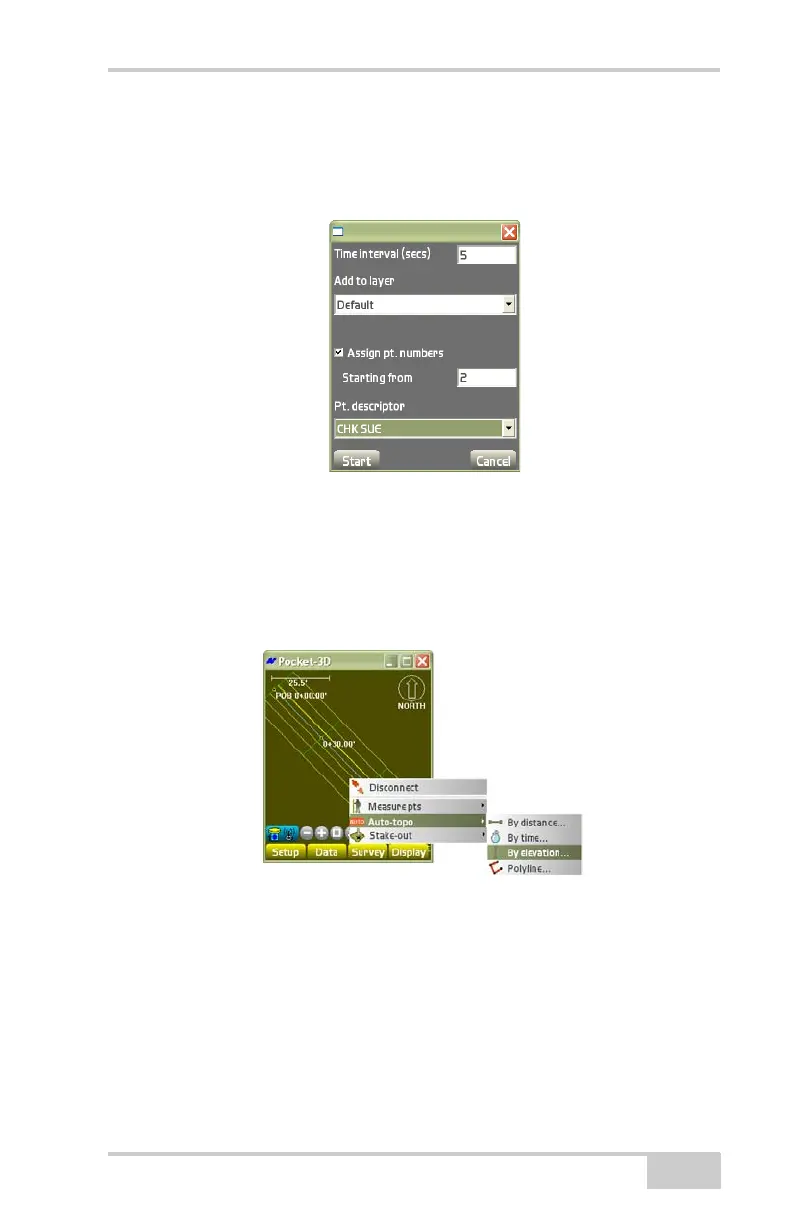
• Starting from – enter the starting point number for the auto-topo
points.
• Pt. descriptor – enter the point description (if preferred).
Figure 4-29. Auto-topo Survey – By Time
By Elevation
To measure points at a set elevation, tap SurveyAuto-topoBy
elevation (
Figure 4-30).
Figure 4-30. SurveyAuto-topoBy Elevation
On the by elevation dialog box, select the desired parameters, then
press Start (
Figure 4-31 on page 4-20).
• Min. elevation diff. – enter the minimum difference in elevation
by which to log points.
• Check elev. to last point – enable to make sure the desired
elevation is reached before the next measurement is taken. With



 To Next Page