Importing/Exporting Points Via Site-
P/N 7010-0628
2-63
Importing/Exporting Points Via
Site-Link
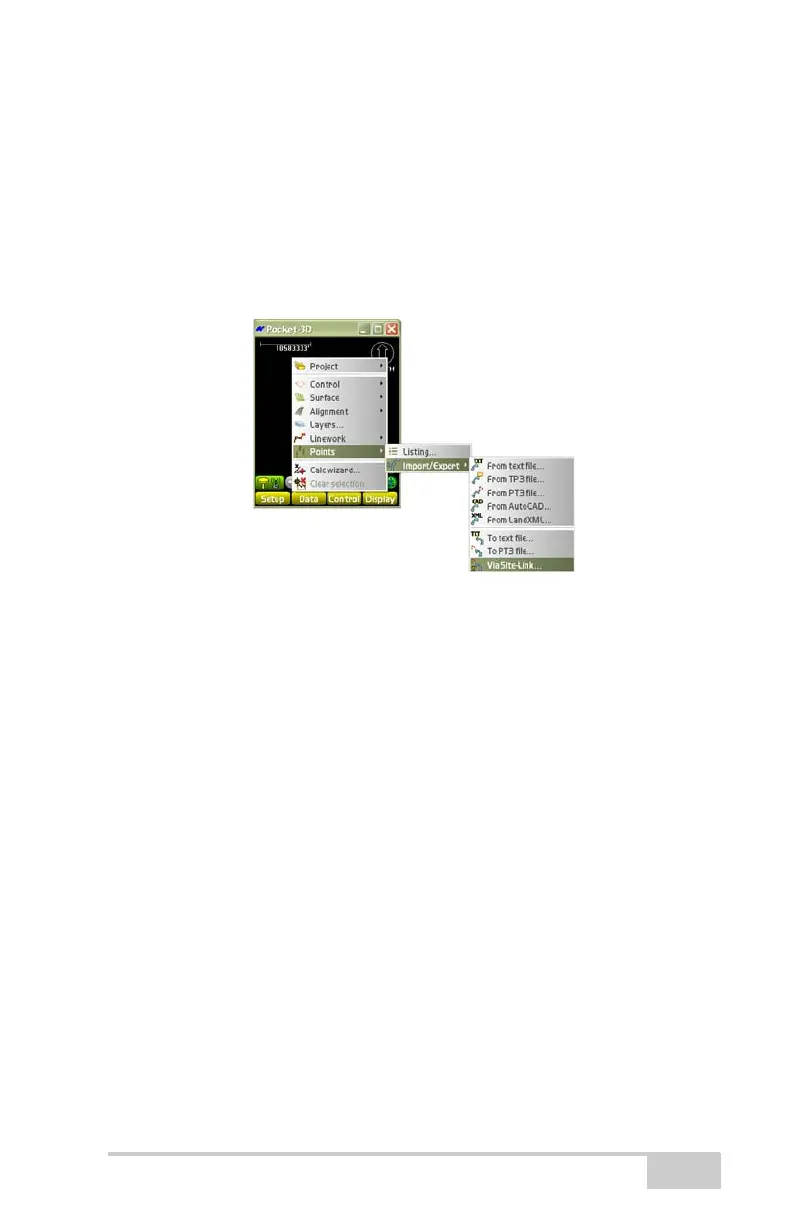
To Import/Export point files via Site-Link, do the following:
1. Press DataPointsImport/ExportVia Site-Link
(
Figure 2-86).
Figure 2-86. Import/Export Point Files Via Site-Link
2. On the Points dialog box, select None, All Polylines, Selected
Polylines only or select a layer from the Polylines by layer drop-
down list to import.
3. Press Next to continue.
4. On the Points To: dialog box (Figure 2-87 on page 2-64),
highlight a file to select it and press Next.



 To Next Page