Data Menu
Pocket-3D Reference Guide
3-84
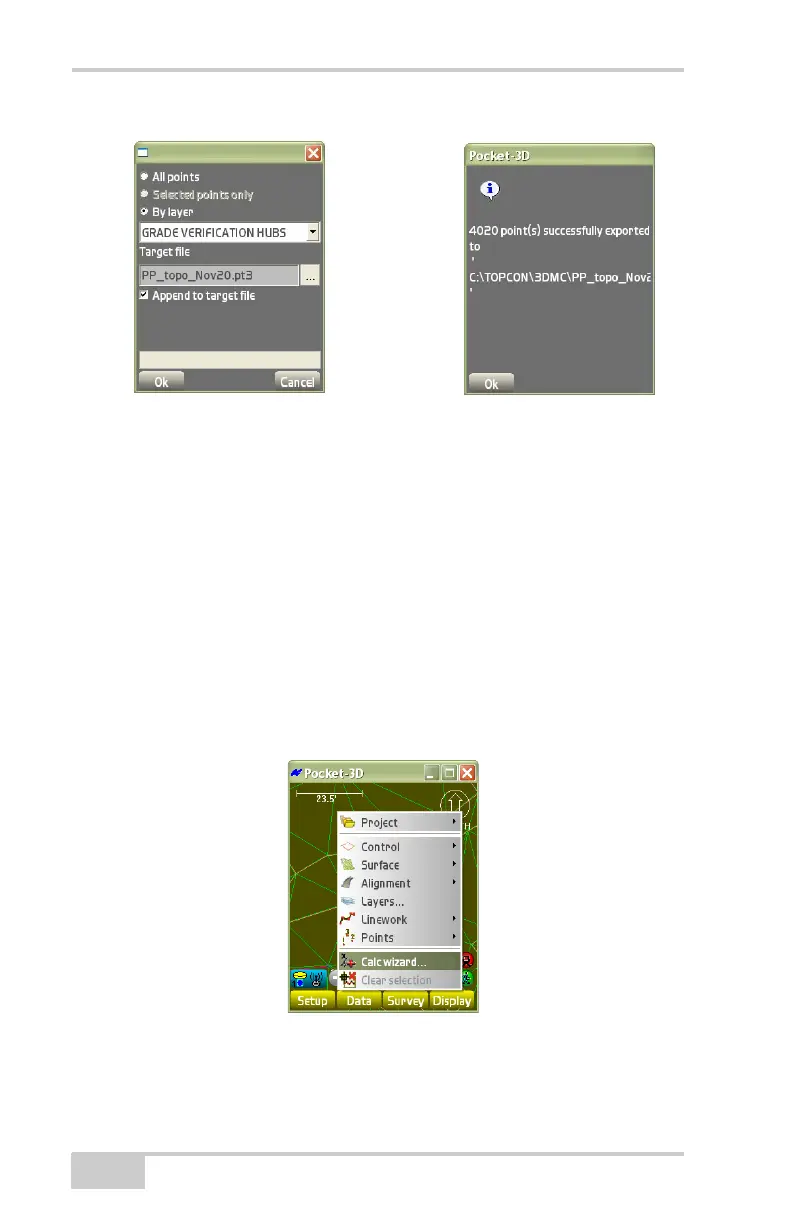
Figure 3-124. Export Topcon Points to a Point File
• Choose a folder and location in which to store the text file, then
press Ok.
The confirmation dialog box displays that the export operation
was a success.The text file’s location and name display in the
Target text file entry box (
Figure 3-124).
Calculation Wizard
To perform calculations, tap DataCalc wizard (Figure 3-125). The
following sections describe the types of calculation possible with
Pocket-3D.
Figure 3-125. Calc Wizard Menu Options



 To Next Page