Survey Menu
Pocket-3D Reference Guide
4-6
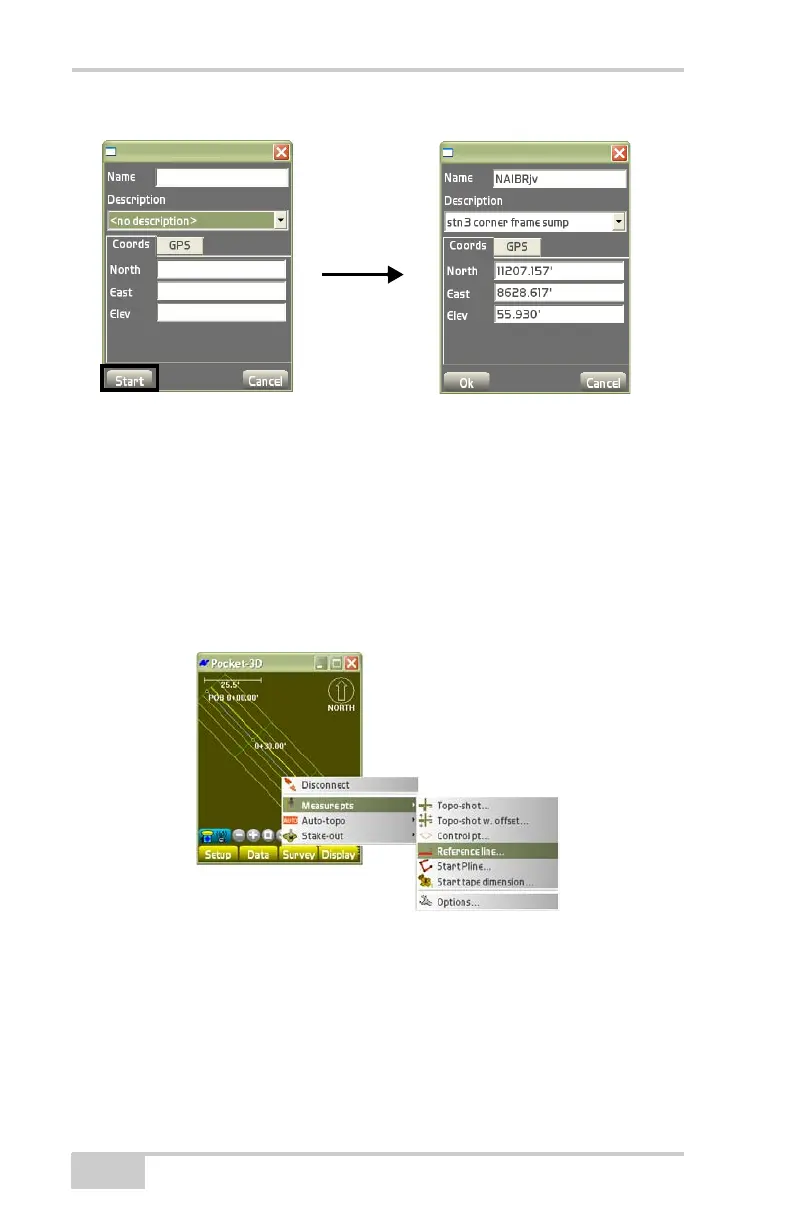
Figure 4-9. SurveyMeasure ptsControl pt
Reference Line
When measuring a reference line, first select a polyline, alignment, or
points. Then press and hold the selection on the main screen and
select Points, “Use as ref. line” on the pop-up menu.
To measure a reference line, tap SurveyMeasure ptsReference
line (
Figure 4-10).
Figure 4-10. Survey Reference Line
On the taped distance dialog box, select the desired parameters for
the taped distance (reference line) (
Figure 4-11 on page 4-7), then
press Save.
• Pt. number – enter the point number.
• Pt. descriptor – enter the point description (if preferred).



 To Next Page