Setup Menu
Pocket-3D Reference Guide
2-48
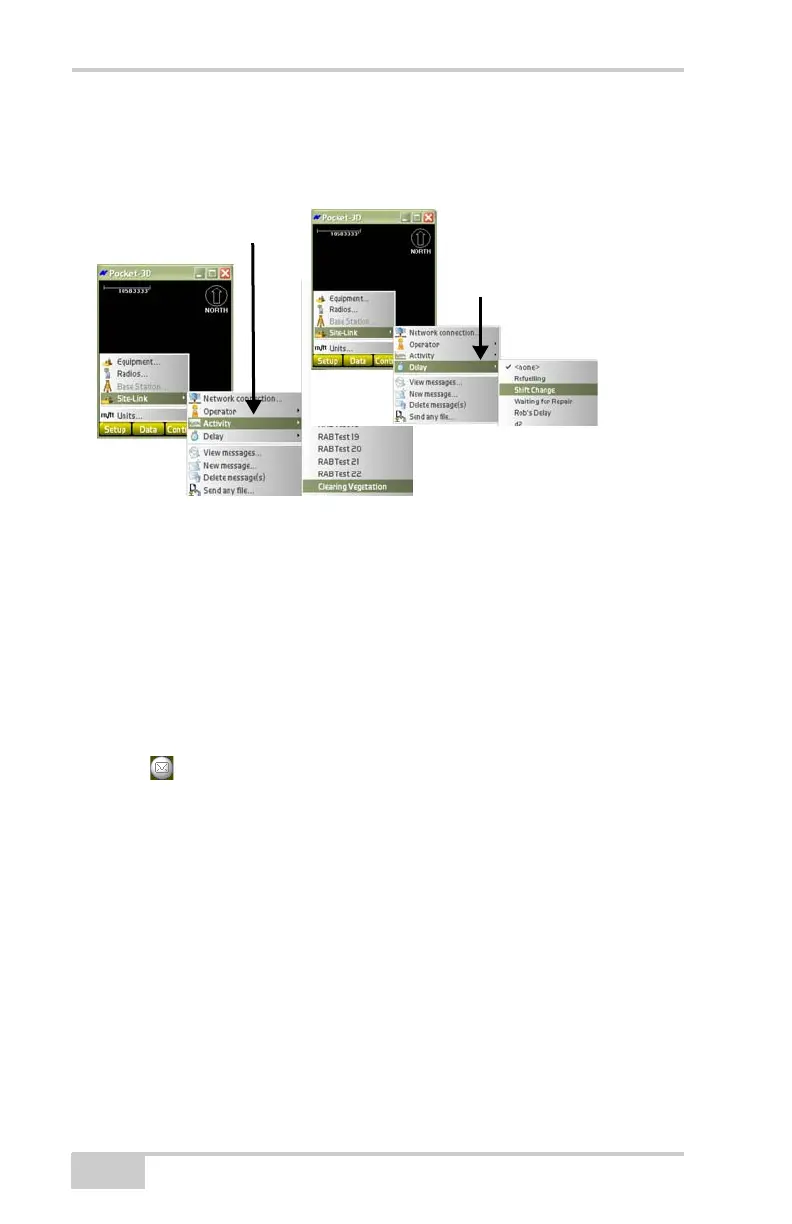
list you can also see what specific task a machine is currently
performing, which becomes helpful in creating database reports later
on.
Figure 2-64. Monitor Machine Activities/Delays
Sending, Viewing, and Deleting
Messages
With Site-Link, you can send and receive messages from the machine
operator at the jobsite. Do the following to send a message:
1. Press SetupSite-LinkNew message to send a message to
the machine operator at the jobsite or click on the new message
icon
on the main screen to view the unread message; just click
Reply to respond to the message.
NOTE: When the new message icon is Yellow, there is an
unread message
2. On the messages To:screen (Figure 2-65 on page 2-49), use either
the pop-up keyboard and the mouse or the computer keyboard, to
enter a new message.
3. Press Ok to return to the Main Screen.



 To Next Page