GPS Applications
P/N 7010-0628
2-7
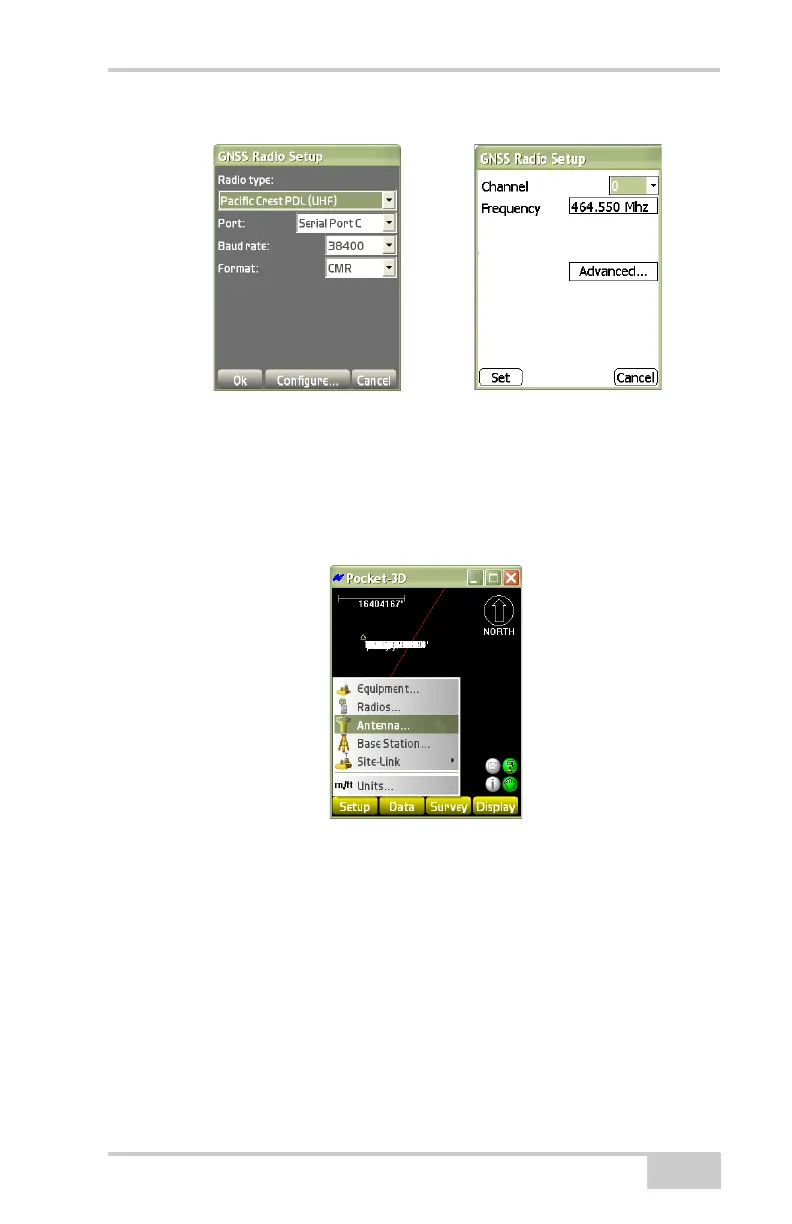
Figure 2-9. Radio Setup and Channel Configuration Dialog Boxes
Antenna
To edit/view antenna measurements, tap SetupAntenna
(Figure 2-10).
Figure 2-10. SetupAntenna
On the antenna setup dialog box, set the following parameters and
press Ok (
Figure 2-11 on page 2-8):
• Antenna type – select the type of antenna.
• Antenna height – enter the antenna height of the GPS+ antenna.
• Measured to – enter where on the GPS+ antenna the antenna
height was measured.
• Units – select the unit of measure.



 To Next Page