Survey Menu
Pocket-3D Reference Guide
4-48
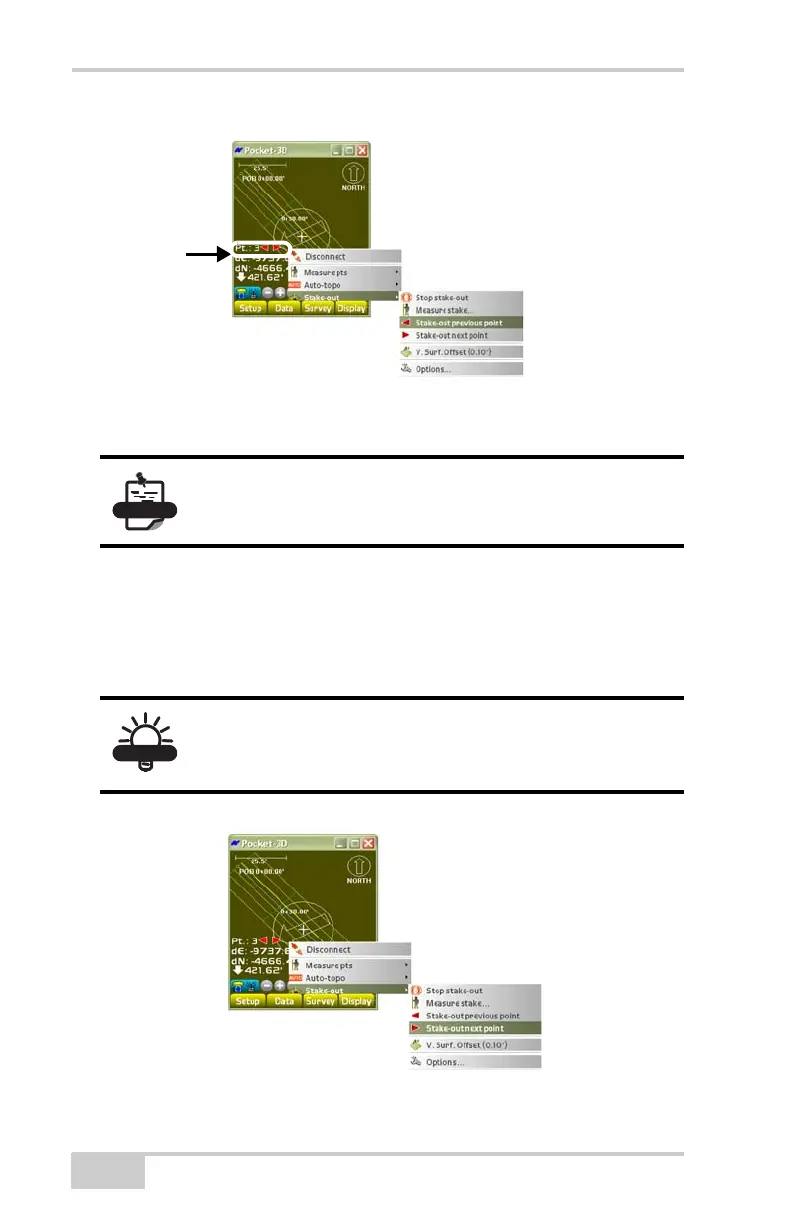
Figure 4-71. SurveyStake-outStake-out Previous Point
Stake-out Next Point
To stake-out the next point, tap SurveyStake-outStake-out next
point (
Figure 4-72). This menu option is only available for point list
and control point stake-outs.
Figure 4-72. SurveyStake-outStake-out Next Point
The red arrows allows you to select the next or
previous point (if applicable).
Press the Enter key on the body of the controller to
stake-out the next point (rather than using the menu
option).



 To Next Page