Measure Points
P/N 7010-0628
4-11
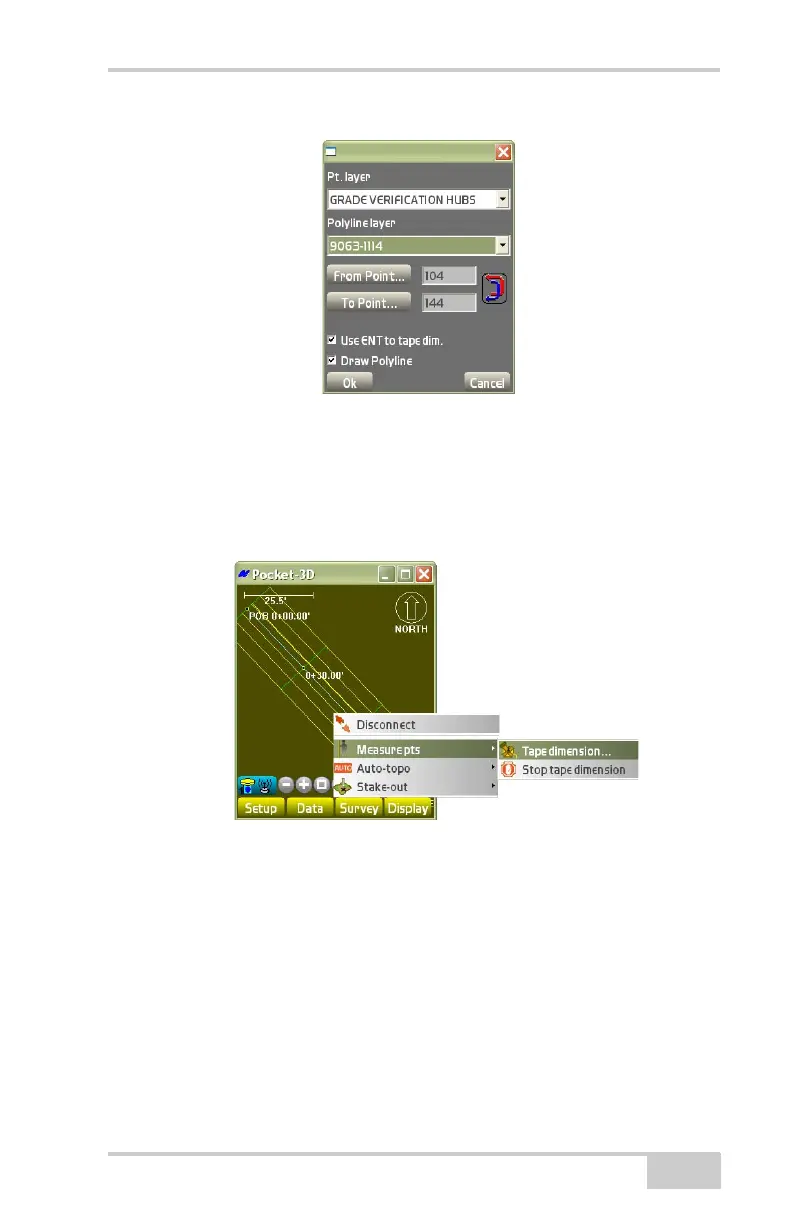
Figure 4-17. Start Tape Dimension Dialog Box
Tape Dimension
To enter parameters for the tape dimension, tap SurveyMeasure
pts
Tape dimension (Figure 4-18).
Figure 4-18. Begin a Tape Dimension
On the Tape tab, enter the following information and press Ok
(
Figure 4-19 on page 4-12).
• Pt. number – change or enter the point number.
• Pt. descriptor – change or enter the point description.
• Taped dimension – enter the dimension that will be used to create
the new line/point.
– Length: enter the length of the taped dimension.



 To Next Page