Data Menu
Pocket-3D Reference Guide
3-104
Convert TIN Surface to Points
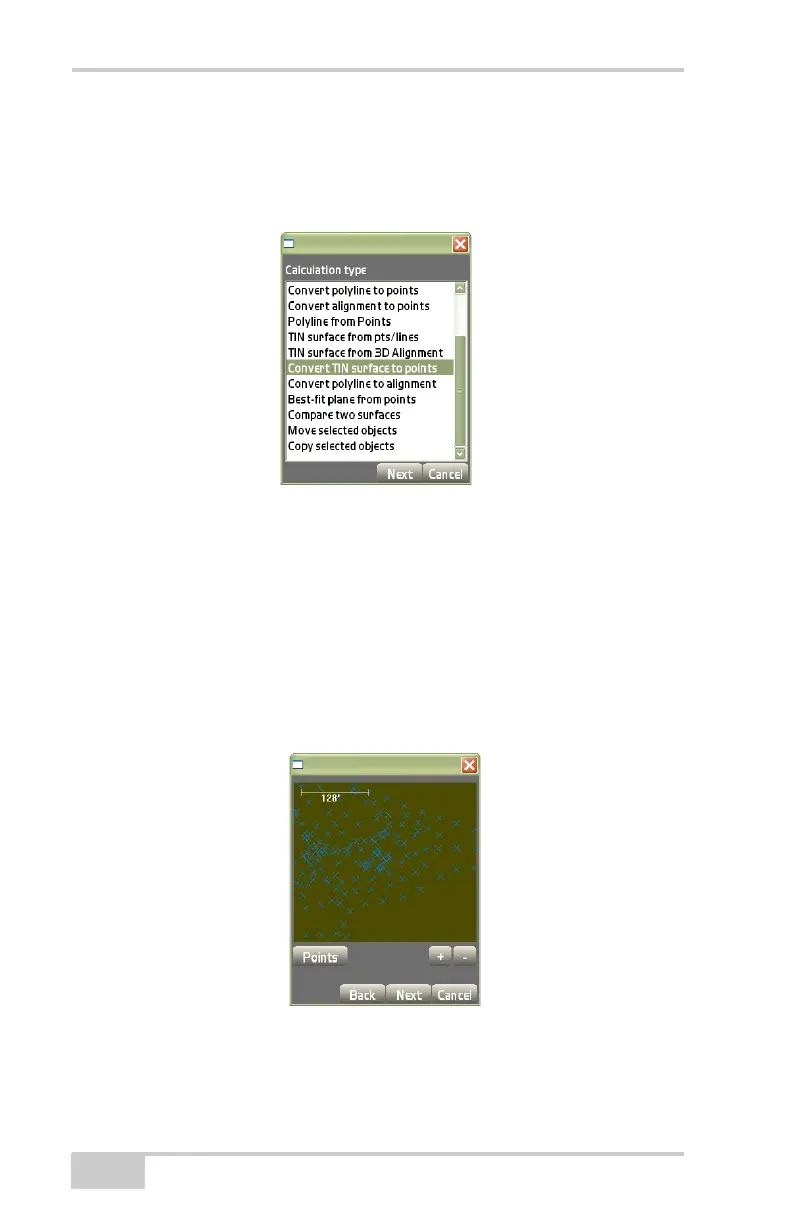
On the Calculation type dialog box (Figure 3-157), do the following:
• Select Convert TIN surface to points, then press Next.
Figure 3-157. Calc Wizard – Convert TIN Surface to Points
This process converts a TIN surface to points from the current TIN
surface on the main screen.
The view screen (Figure 3-158) displays the points created from the
recently converted TIN surface.
• Press the +/- buttons to zoom in or out on the image or press
down on the screen to drag the image around.
• Press Next to save and return to the main screen.
Figure 3-158. View Screen – TIN Surface Converted to Points



 To Next Page