Calculation Wizard
P/N 7010-0628
3-87
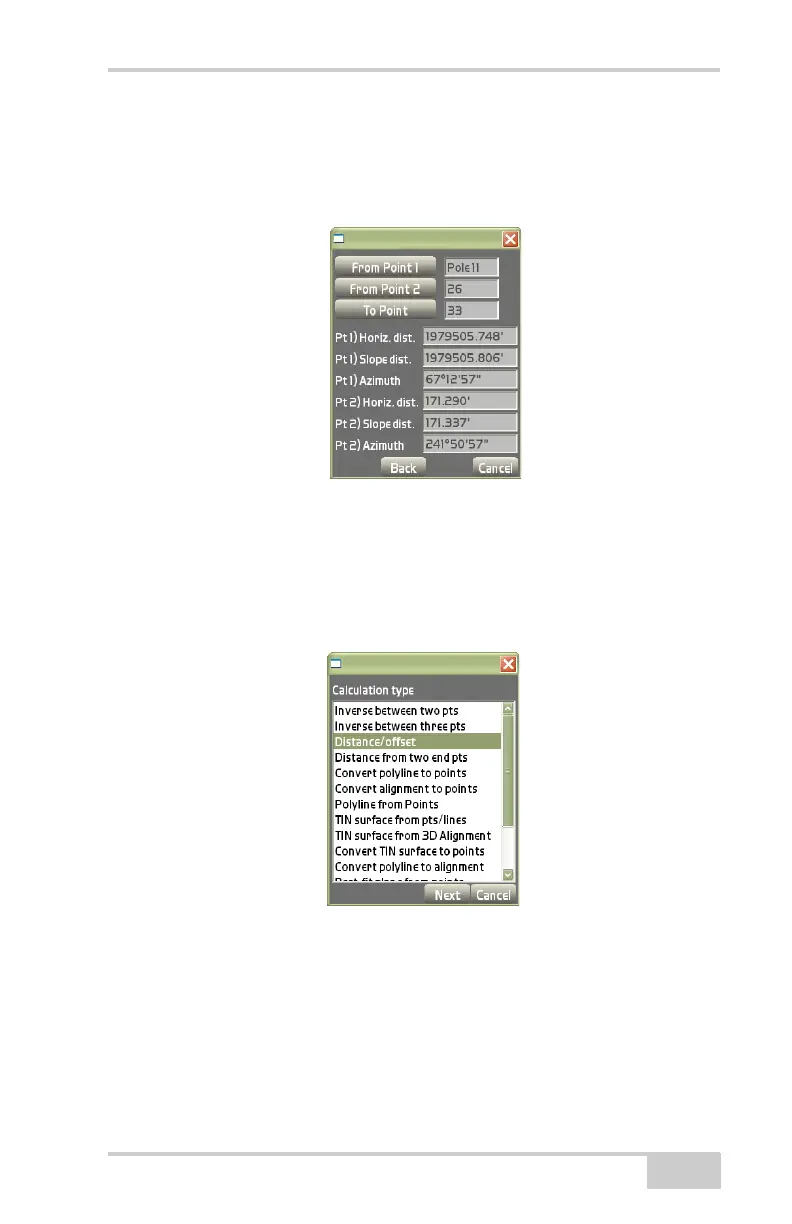
• From Point 2 – press to select the beginning point.
• To Point – press to select the return (inverse) between either
Point 1 or Point 2 and the selected point.
Figure 3-129. Inverse Between Three Points
Distance/Offset
On the Calculation type dialog box, select Distance/offset, then press
Next (
Figure 3-130).
Figure 3-130. Calculation Type – Distance/Offset
This process creates a point in relation to a baseline created from two
points (and only two points) selected on the main screen. When fin
-
ished, you will be able to stake the new point.
On the create point dialog box, enter or select the following parame-
ters for the point, then press Next (Figure 3-131 on page 3-88).



 To Next Page