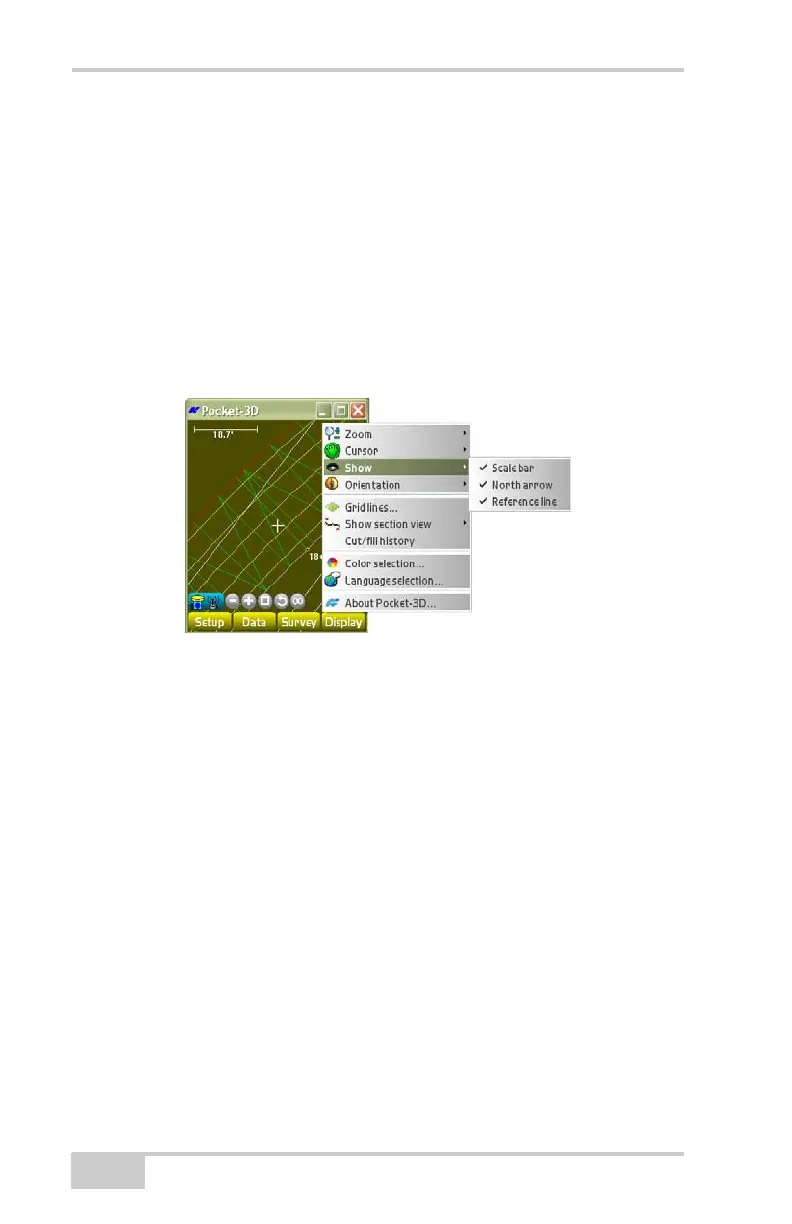
Display Menu
Pocket-3D Reference Guide
5-4
Show
To display main screen reference items, tap DisplayShow
(
Figure 5-4).
• Scale bar – shows/hides the scale bar, which shows the current
scale of the view on the screen to the jobsite.
• North arrow – shows/hides the north arrow, which points North.
• Reference line – shows/hides the reference line defined (selected
to use) for certain measuring functions.
Figure 5-4. Show Options



 To Next Page