Stake-out
P/N 7010-0628
4-41
Side Slopes
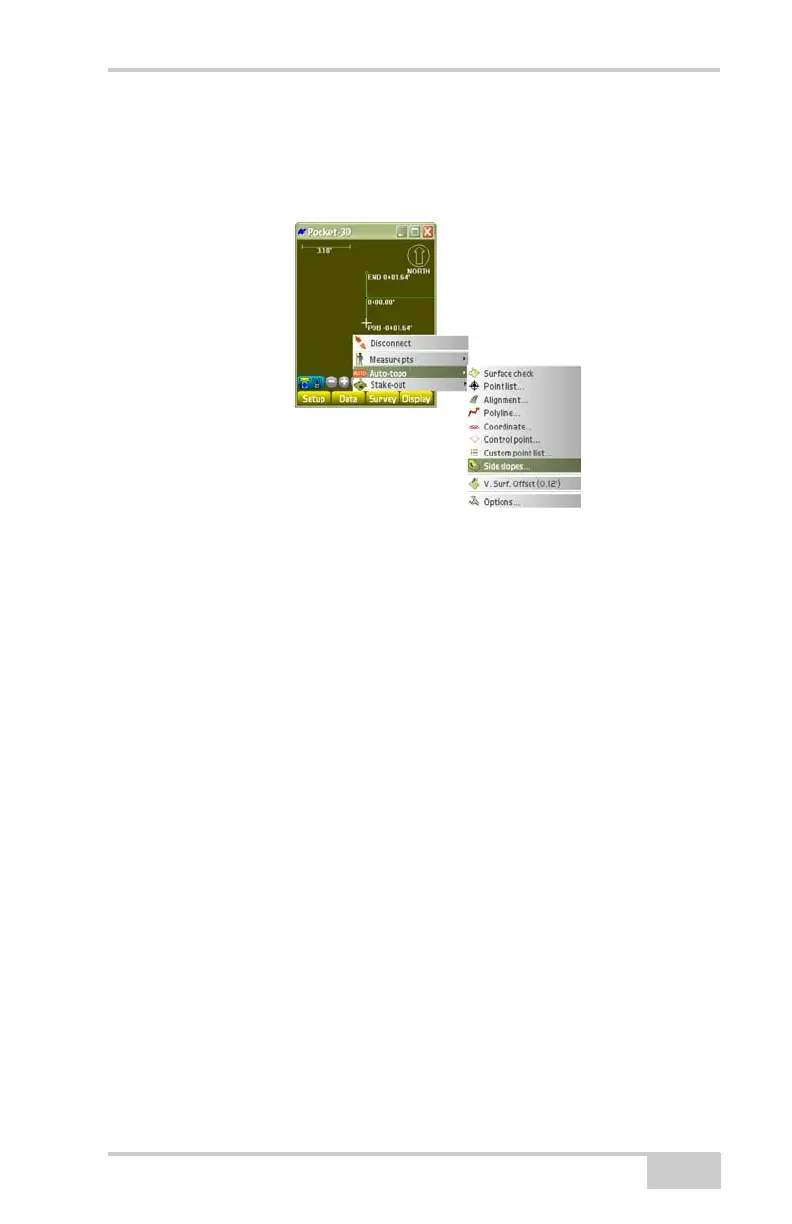
To stake out points on a side slope or a cross-section slope, tap
Survey
Stake-outSide Slopes(Figure 4-64).
Figure 4-64. Stake out Points on a Side Slope
On the Stake-out dialog box, enter or select the following information
and press Ok (
Figure 4-65 on page 4-42).
• Running Station – calculates the target point for the current
station along the alignment.
• Regular station/transition – displays the target point for regular
stations at a user-specified interval and/or at transition points
between segments of the alignment:
– Transition pts only: select to only stakeout at transition
points.
– Interval stations only: select to only stakeout stations at a
user-specified interval.
NOTE: Deselect both check boxes to stakeout at both
Transition pts and Interval stations.
– Interval: enter a value for the interval between stations.
– Road surface list: select the current road surface to begin the
stake-out at from the drop-down list.
• Random station – enable to manually enter a station number at
which to begin the stakeout.



 To Next Page