Data Menu
Pocket-3D Reference Guide
3-100
TIN Surface from Points/Lines
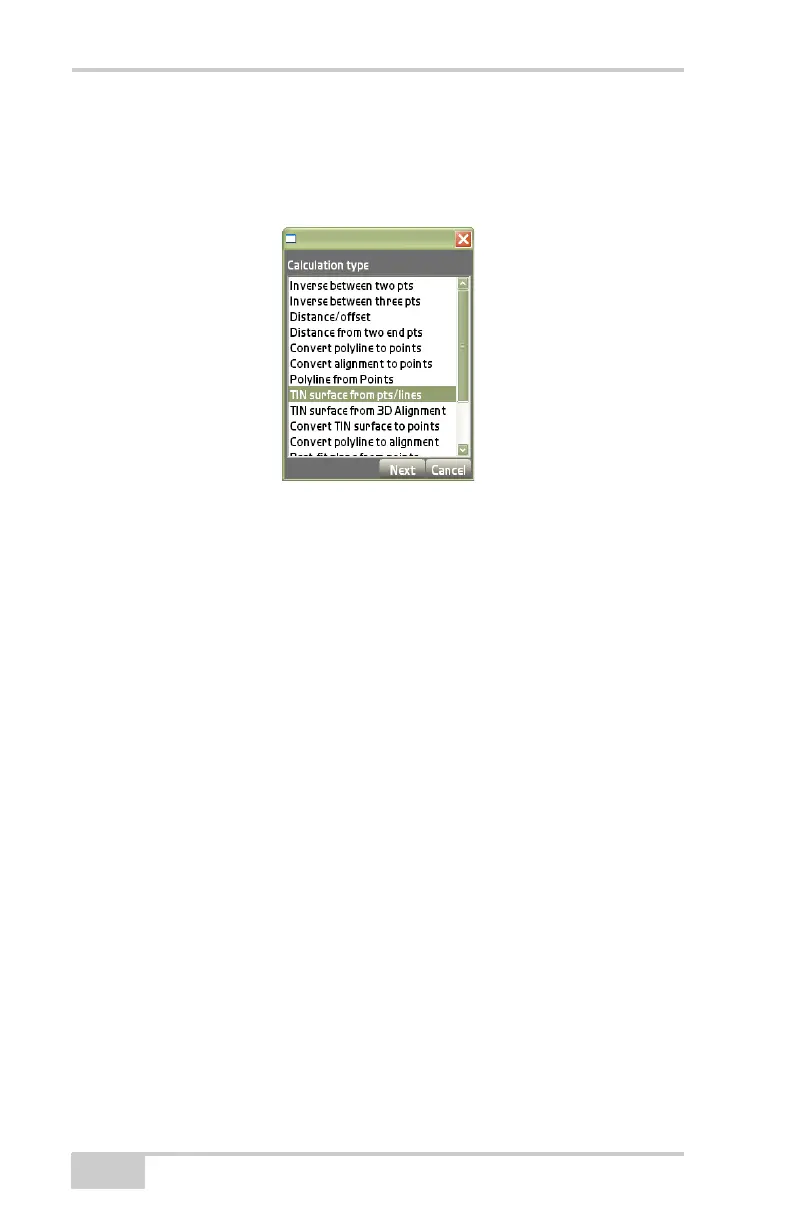
On the Calculation type dialog box, select TIN surface from pts/lines,
then press Next (
Figure 3-151).
Figure 3-151. Calculation Type – TIN Surface From Points/Lines
This process creates a TN3 file from selected points and/or lines on
the main screen.
The view screen will display the TIN surface created from the
selected points and/or lines (
Figure 3-152 on page 3-101).
1. Press the +/- buttons to zoom in or out on the image, or press
down on the screen and drag the image around.
2. Press Next to continue. The surface properties dialog box
displays (
Figure 3-152 on page 3-101).
3. On the surface properties dialog box (Figure 3-152), enter the
following parameters for the surface, then press Finish.
• Name for TIN surface – enter a name for the TIN surface on
the alpha-numeric pop-up keyboard.



 To Next Page