Setup Menu
Pocket-3D Reference Guide
2-8
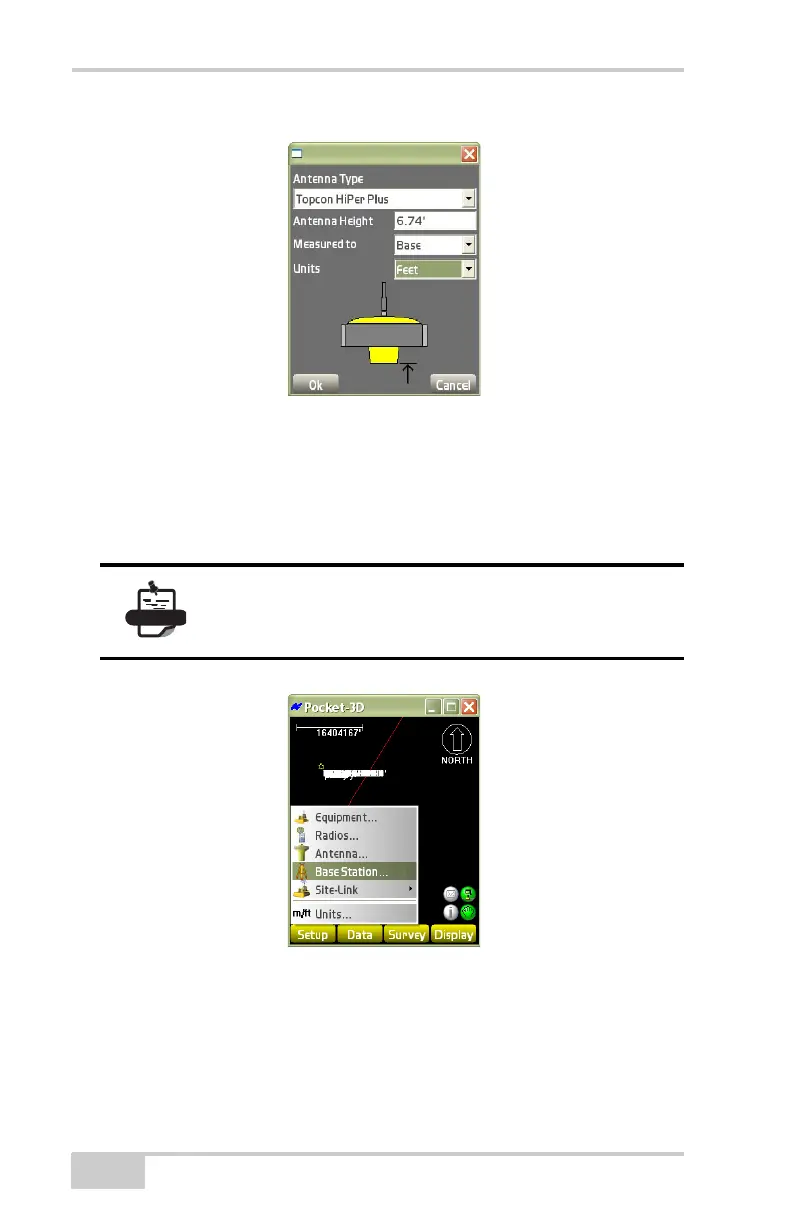
Figure 2-11. Antenna Setup
Base Station
To set Base Station information, tap SetupBase Station
(Figure 2-12).
Figure 2-12. SetupBase Station
On the base station configuration dialog box (Figure 2-13 on
page 2-9), set the following parameters and press Next:
• Control point – select the appropriate control point for the base
position from the control point drop-down list.
If the Base station menu item is unavailable,
disconnect from the GPS receiver (Survey
Disconnect from GPS).



 To Next Page