Data Menu
Pocket-3D Reference Guide
3-60
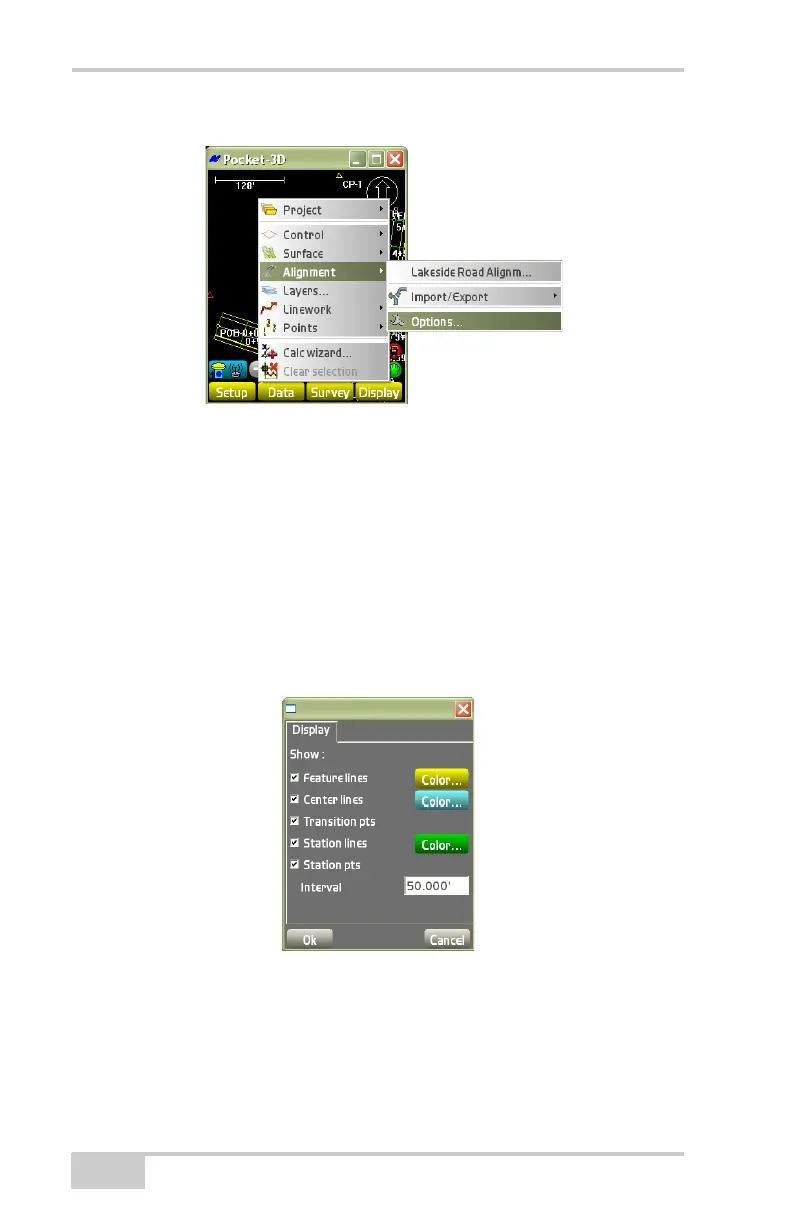
Figure 3-87. DataAlignmentOptions
On the alignment options dialog box (Figure 3-88), select the desired
options for the alignment, then press Ok.
• Show feature lines – enable to display feature lines.
• Show transition pts – enable to display transition points.
• Show station lines – enable to display station lines.
• Interval – enter the interval desired for the station lines.
• Color buttons – press to set a color for feature/center/station lines.
Figure 3-88. Options
Layers
To add, edit, or delete a layer within the current Linework file, tap
Data
Layers (Figure 3-89 on page 3-61).



 To Next Page