Alignment
P/N 7010-0628
3-61
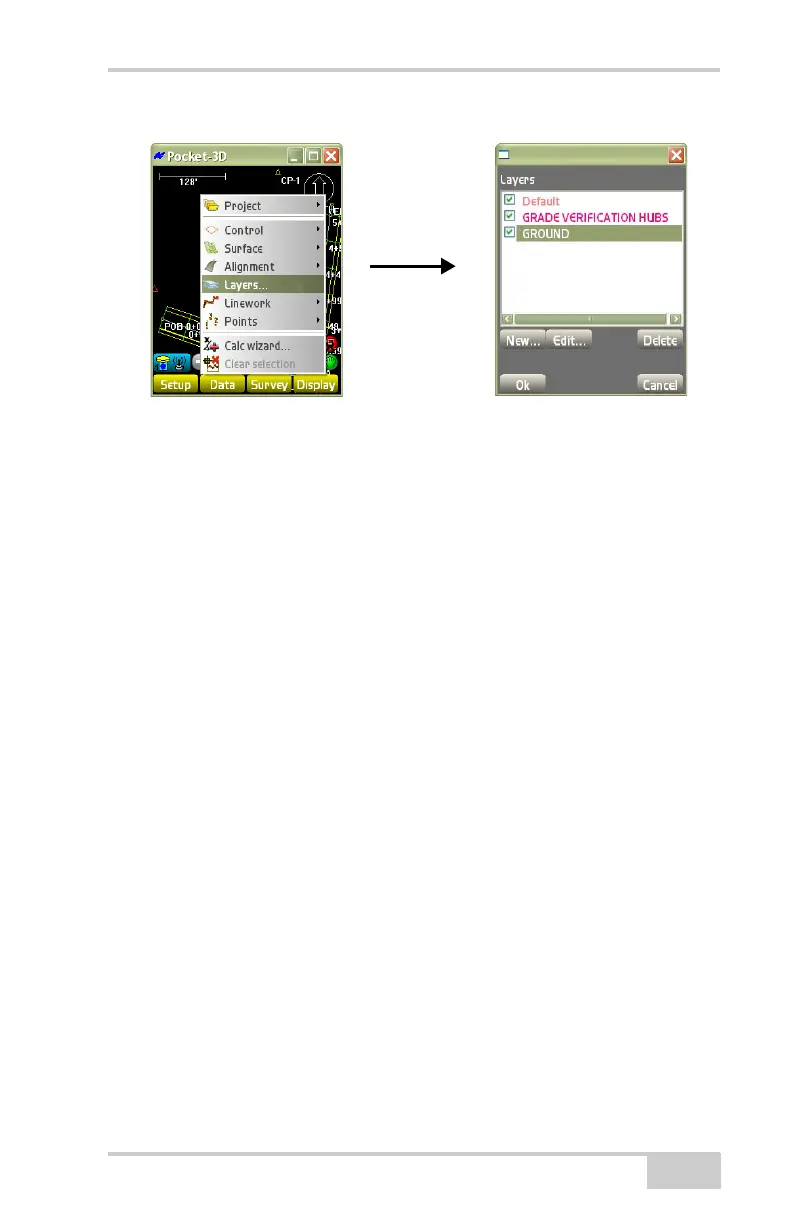
Figure 3-89. DataLineworkLayers
The Layers dialog box displays all layers within the selected file
(
Figure 3-90 on page 3-62).
• New – press New to create a layer (Figure 3-90 on page 3-62).
The Layer name dialog box displays. Enter or select the layer
parameters:
– Layer name: enter the name of the layer.
– Show point numbers: enable to display on the main screen
point numbers for all points within the layer.
– Show point descriptions: enable to display on the main screen
point descriptions for all points within the layer.
– Show point elevations: enable to display on the main screen
point elevations for all points within the layer.
• Symbol – select the type of symbol desired for the Point layer.
• Color – press to select the desired color for the symbol (if
preferred), then press Ok



 To Next Page