Data Menu
Pocket-3D Reference Guide
3-42
• Set as a current surface – enable to set the surface as the current
surface.
Figure 3-60. Best-fit Plane Surface Parameters
Compare Surface
This menu selection calculates the difference in volume between any
two overlapping surfaces. Use the Calculation type to create an exist
-
ing surface in the field (see “Calculation Wizard” on page 3-84 for
more details). This surface can then be used to compare with a pro-
posed design surface or a different existing surface, calculating a vol-
ume between the two surfaces.
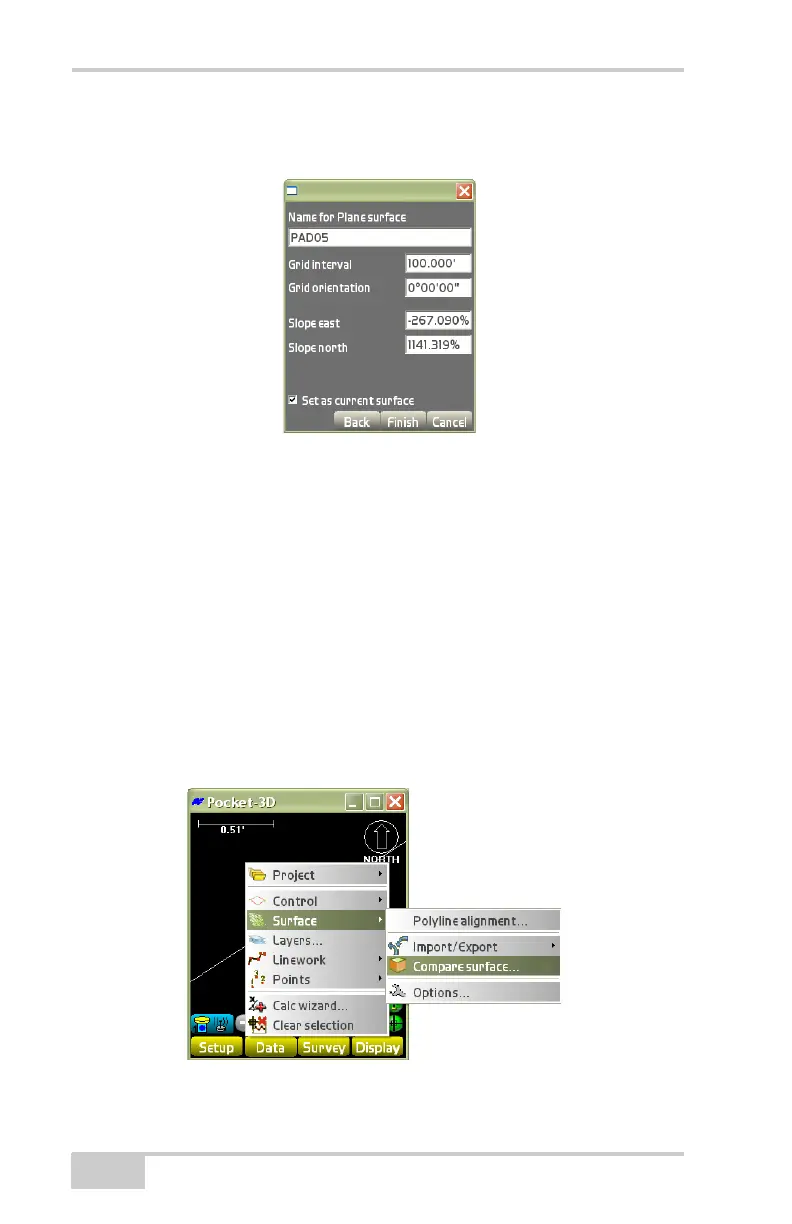
To compare two existing surfaces, tap DataSurfaceCompare
surface (
Figure 3-61 on page 3-42).
Figure 3-61. DataSurfaceCompare Surface



 To Next Page