Surface
P/N 7010-0628
3-41
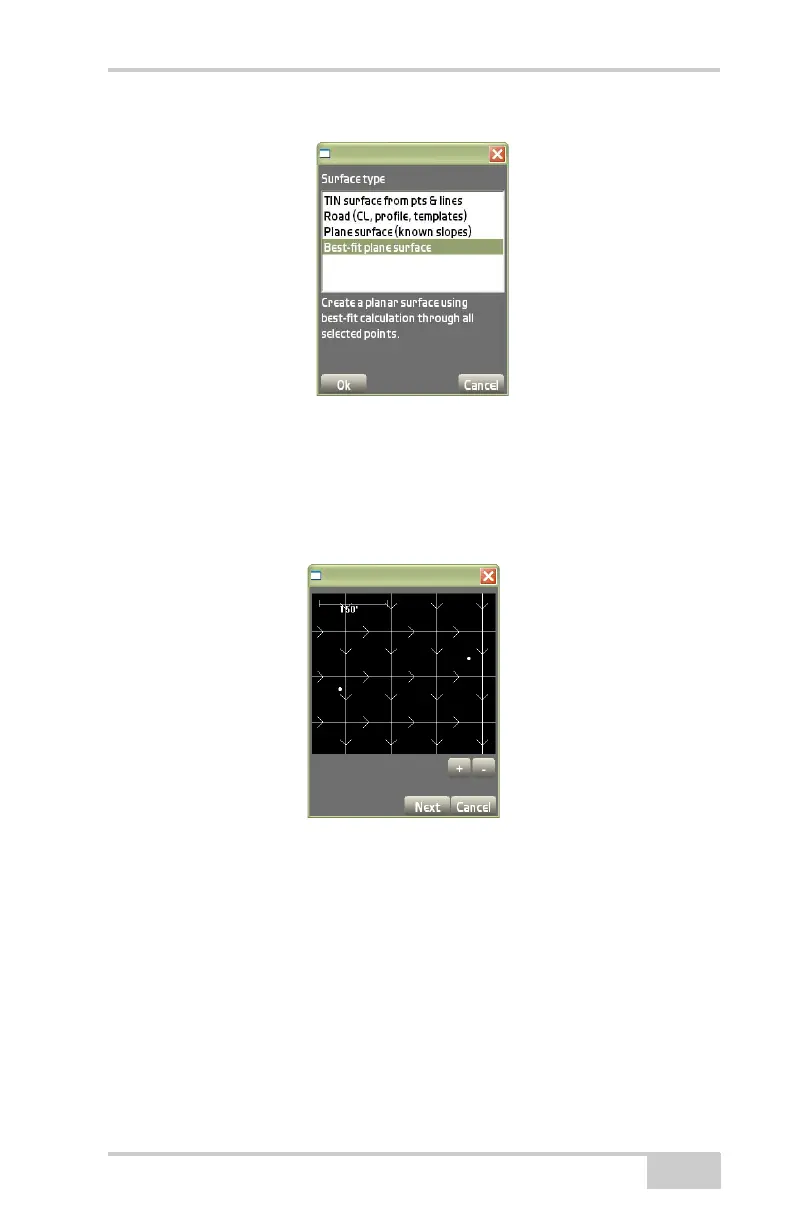
Figure 3-58. Surfaces Type Dialog Box – Best-fit Plane Surface
The preview dialog box displays the Planar Surface created from the
selected points and/or lines (
Figure 3-59). Press the +/- buttons to
zoom in or out on the image, or press down on the screen and drag the
image around. Press Next to continue.
Figure 3-59. Best-fit Plane Surface Preview
On the best-fit plane surface dialog box, enter or select the follow-
ing information, and press Finish (Figure 3-60 on page 3-42).
• Name of Plane surface – enter the name of the Plane surface.
• Grid interval – enter the grid interval.
• Grid orientation – enter the grid orientation.
• Slope east – enter the slope to the east of the surface.
• Slope north – enter the slope to the north of the surface.



 To Next Page